Always-On Extras
Profile ID
Every profile shows its ID
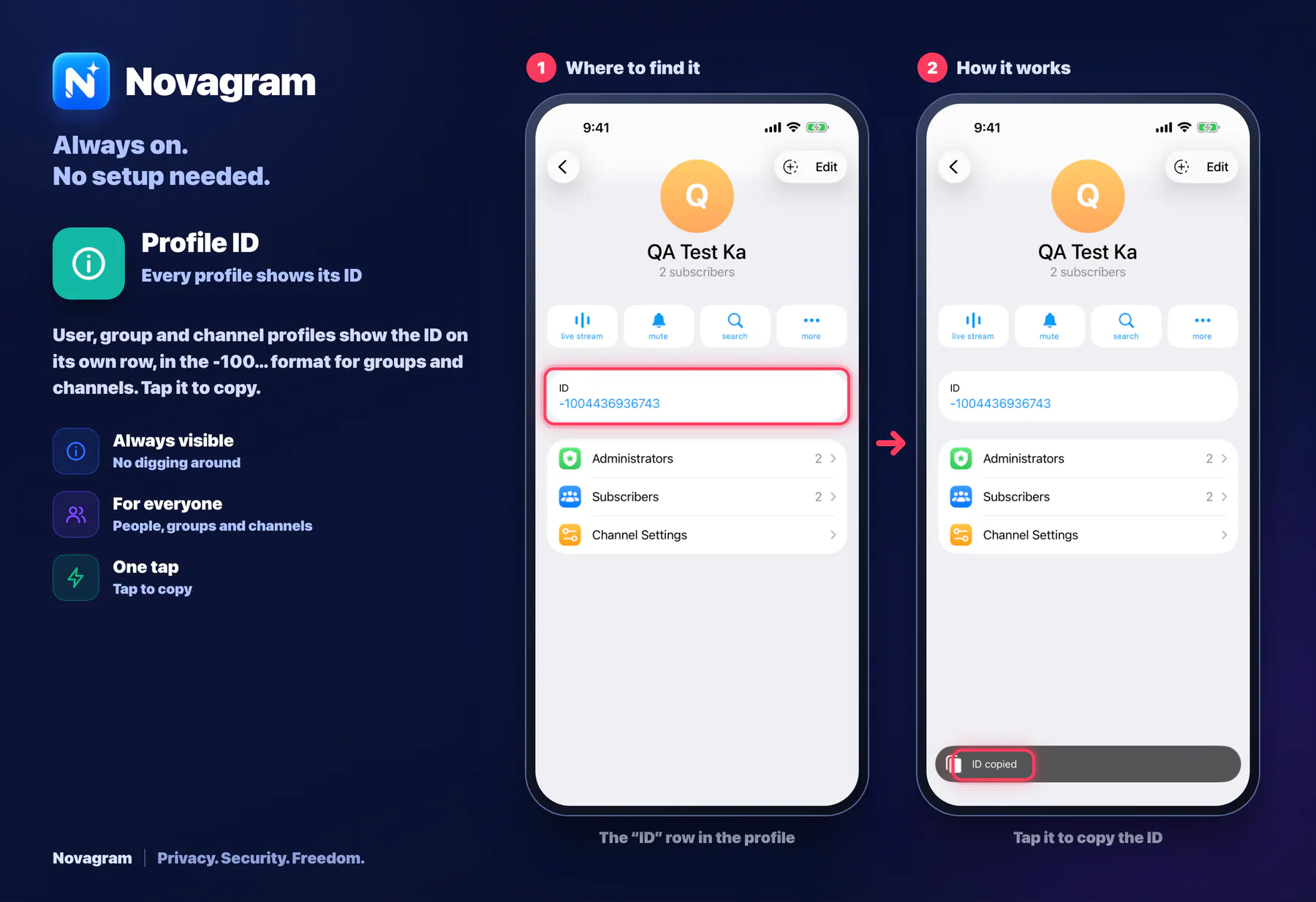
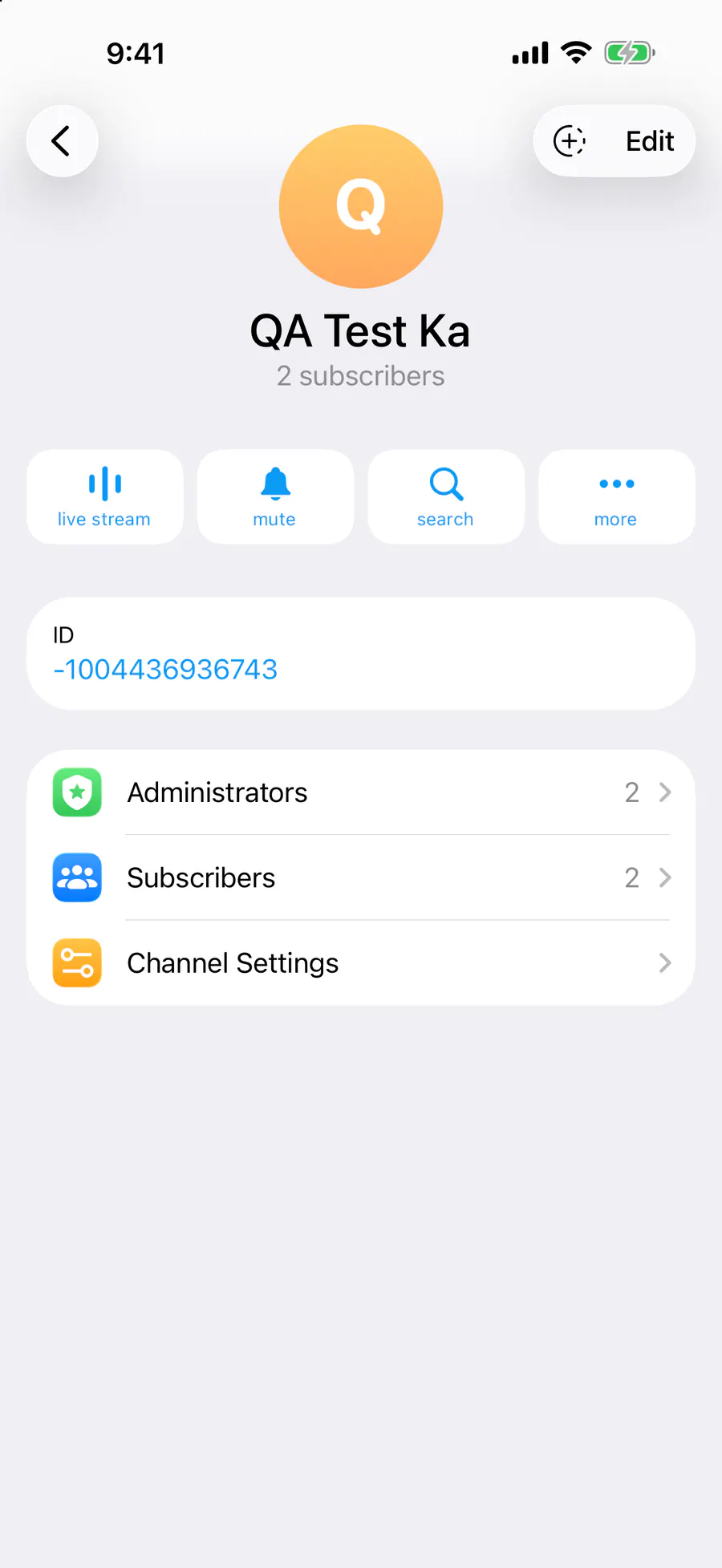
User, group and channel profiles show the ID on its own row, in the -100… format for groups and channels. Tap it to copy.
How it looks in the app
Step by step: the red frame shows where to tap.
The “ID” row in the profile
1 / 2
Benefits
Always visible
No digging around
For everyone
People, groups and channels
One tap
Tap to copy
How to turn it on
Open the chat and tap its name at the top.
The profile has an “ID” row. Tap it to copy.
Result
The ID is copied.
Card to share
A ready-made image to explain the feature to your friends.
WebP, 1800×1234Download the card