Always-On Extras
Secret Read
Open one chat without a trace
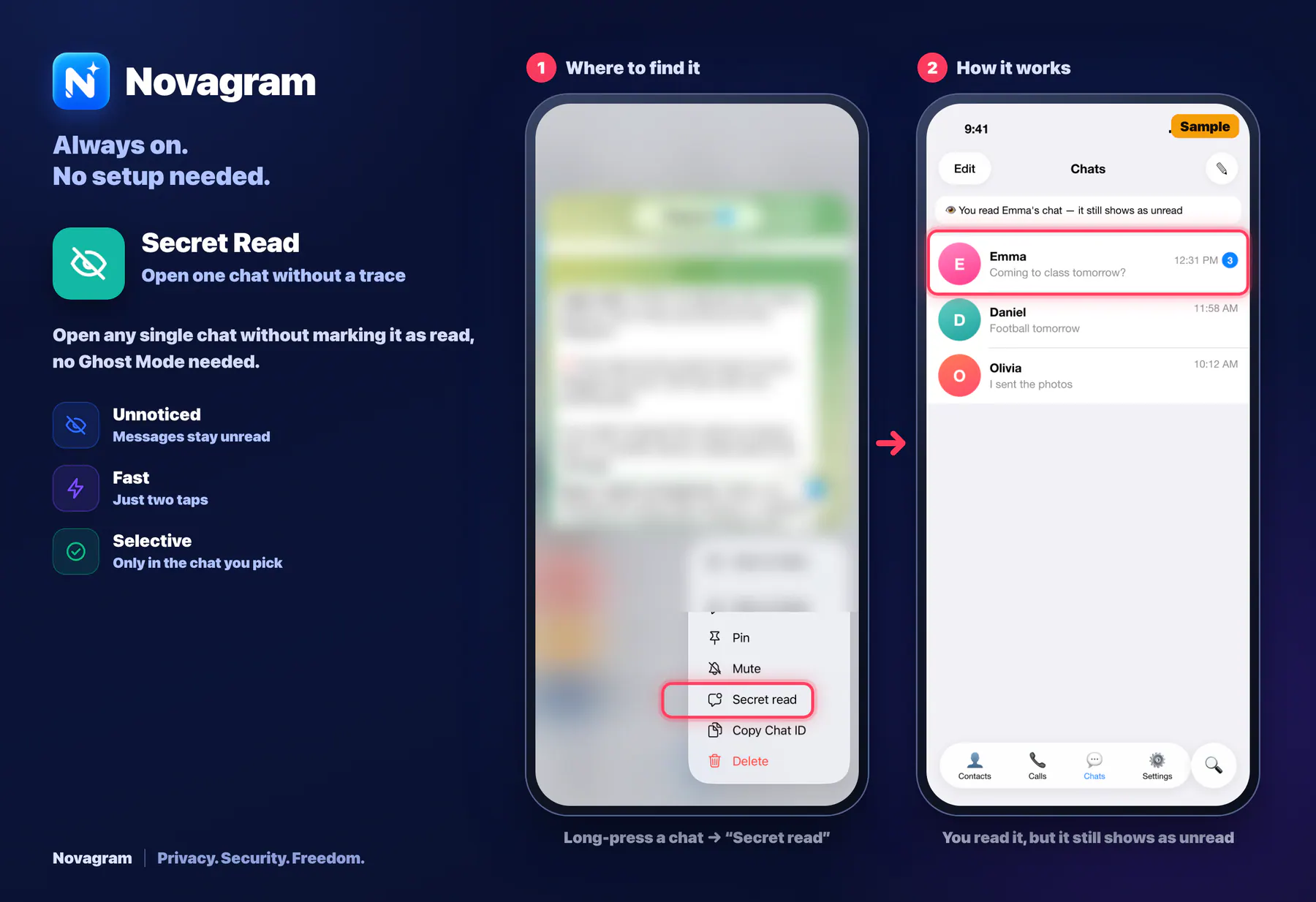
Open any single chat without marking it as read, no Ghost Mode needed.
How it looks in the app
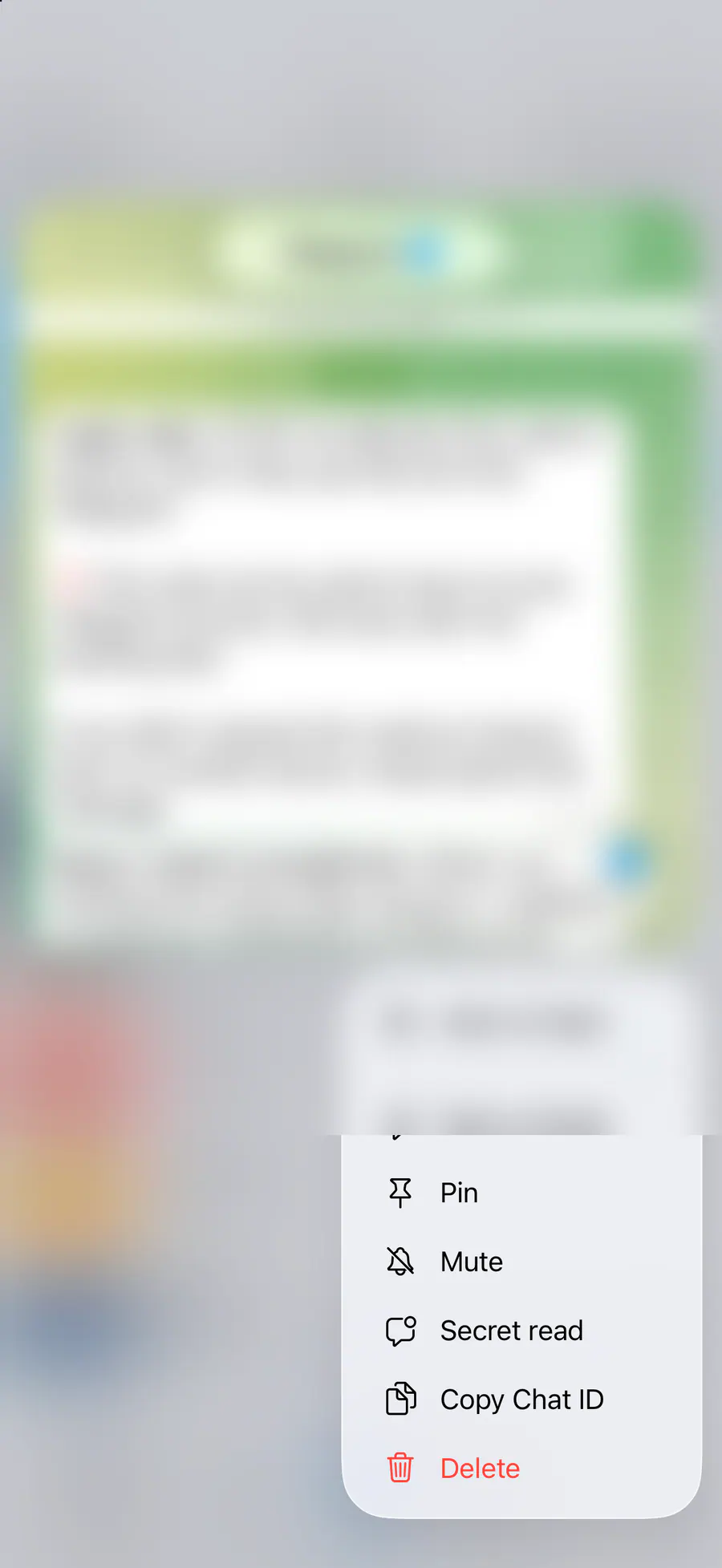
Step by step: the red frame shows where to tap.
Long-press a chat → “Secret read”
1 / 2
Benefits
Unnoticed
Messages stay unread
Fast
Just two taps
Selective
Only in the chat you pick
How to turn it on
In your chat list, press and hold the chat you want.
Choose “Secret read” from the menu.
Result
The chat opens, but the other person still sees the message as unread.
Steps in screenshots
Each screenshot marks the right spot with a red frame. Tap to enlarge.
Card to share
A ready-made image to explain the feature to your friends.
WebP, 1800×1234Download the card