Always-On Extras
Folder Tags
Folder tags without Premium
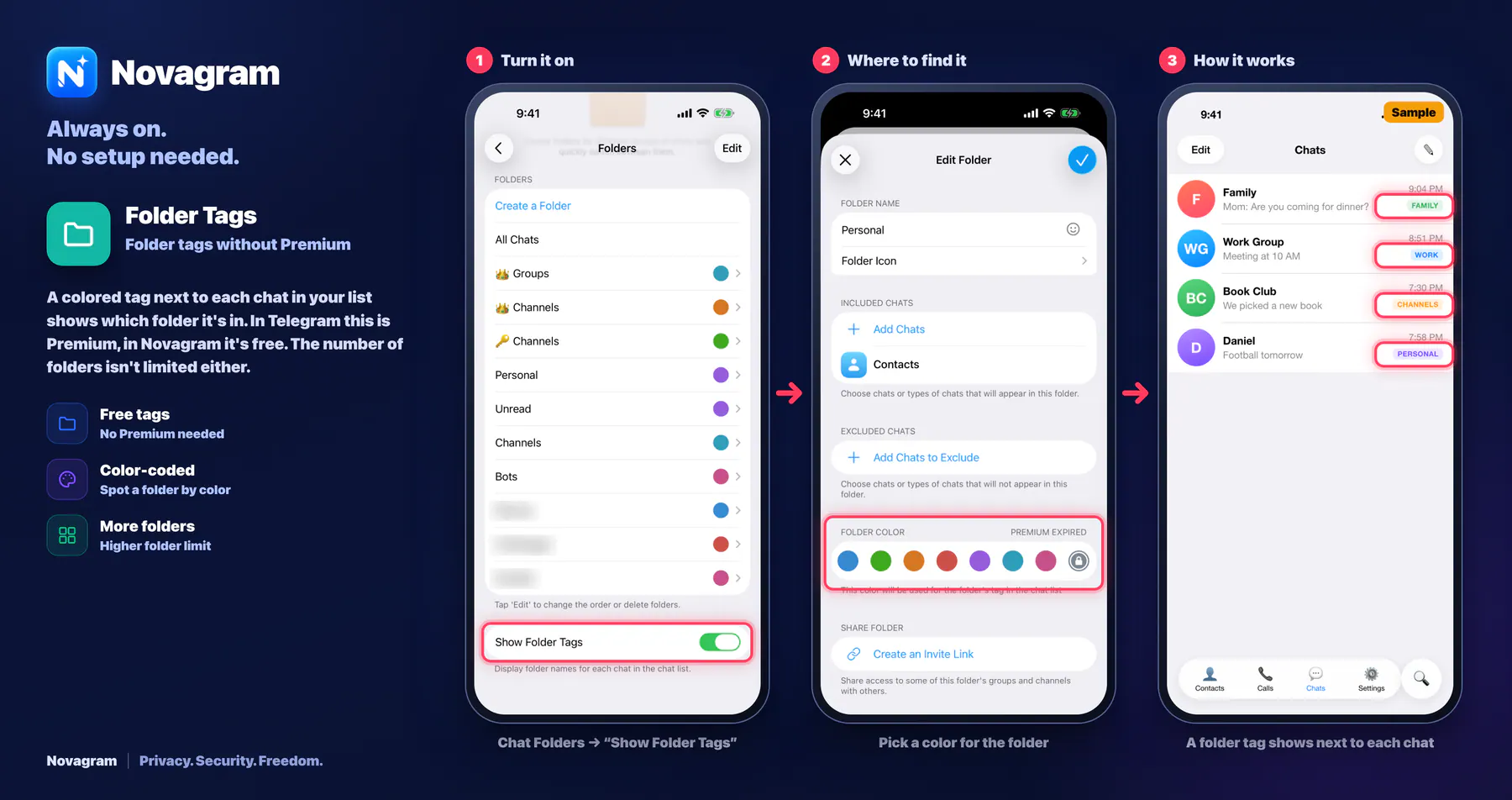
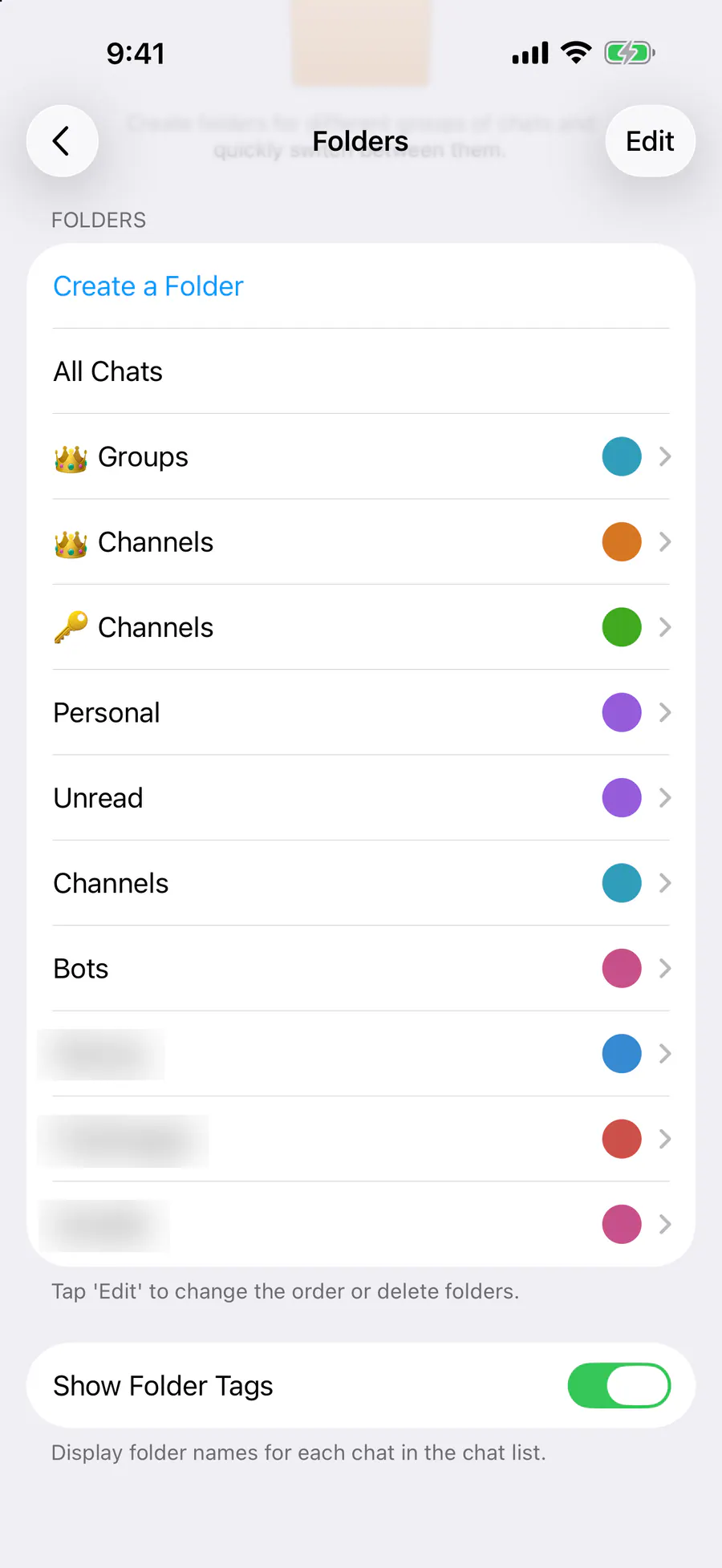
A colored tag next to each chat in your list shows which folder it's in. In Telegram this is Premium, in Novagram it's free. The number of folders isn't limited either.
How it looks in the app
Step by step: the red frame shows where to tap.
Chat Folders → “Show Folder Tags”
1 / 3
Benefits
Free tags
No Premium needed
Color-coded
Spot a folder by color
More folders
Higher folder limit
How to turn it on
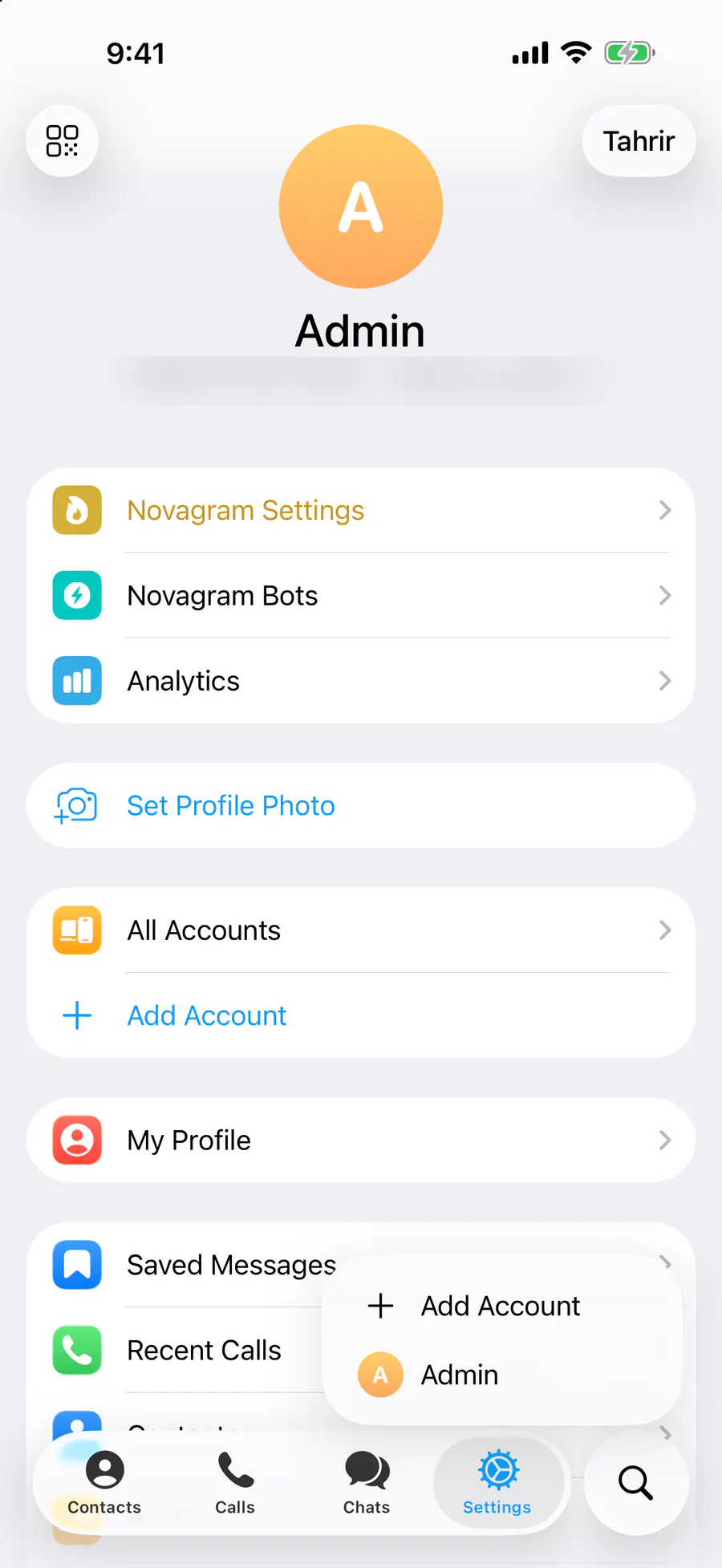
Tap “Settings” at the bottom of the screen.
Tap “Chat Folders”.
Turn on “Show Folder Tags”.
Result
A folder tag appears next to each chat in your list.
Steps in screenshots
Each screenshot marks the right spot with a red frame. Tap to enlarge.
Card to share
A ready-made image to explain the feature to your friends.
WebP, 1800×952Download the card