Always-On Extras
Folder Icon
A symbol for every folder
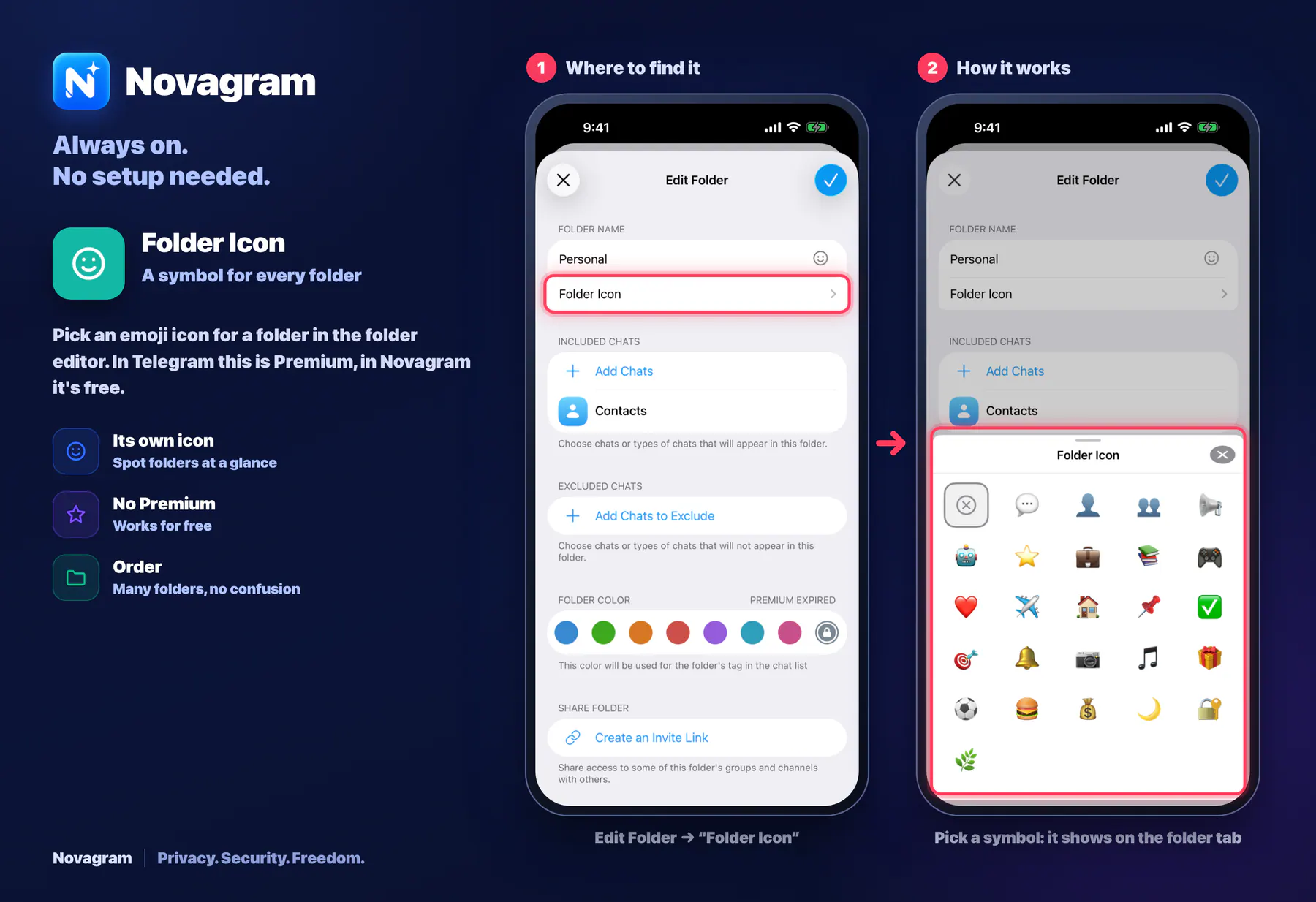
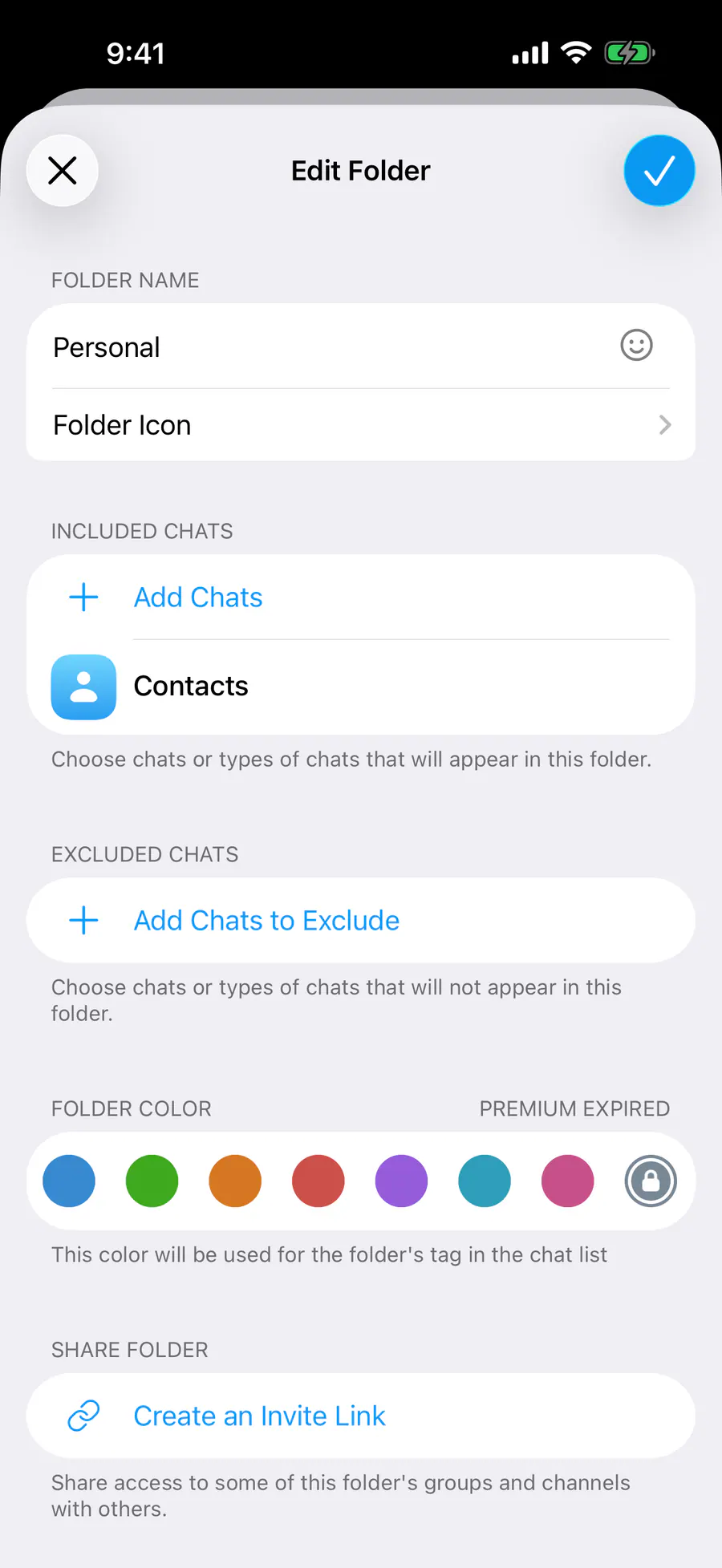
Pick an emoji icon for a folder in the folder editor. In Telegram this is Premium, in Novagram it's free.
How it looks in the app
Step by step: the red frame shows where to tap.
Edit Folder → “Folder Icon”
1 / 2
Benefits
Its own icon
Spot folders at a glance
No Premium
Works for free
Order
Many folders, no confusion
How to turn it on
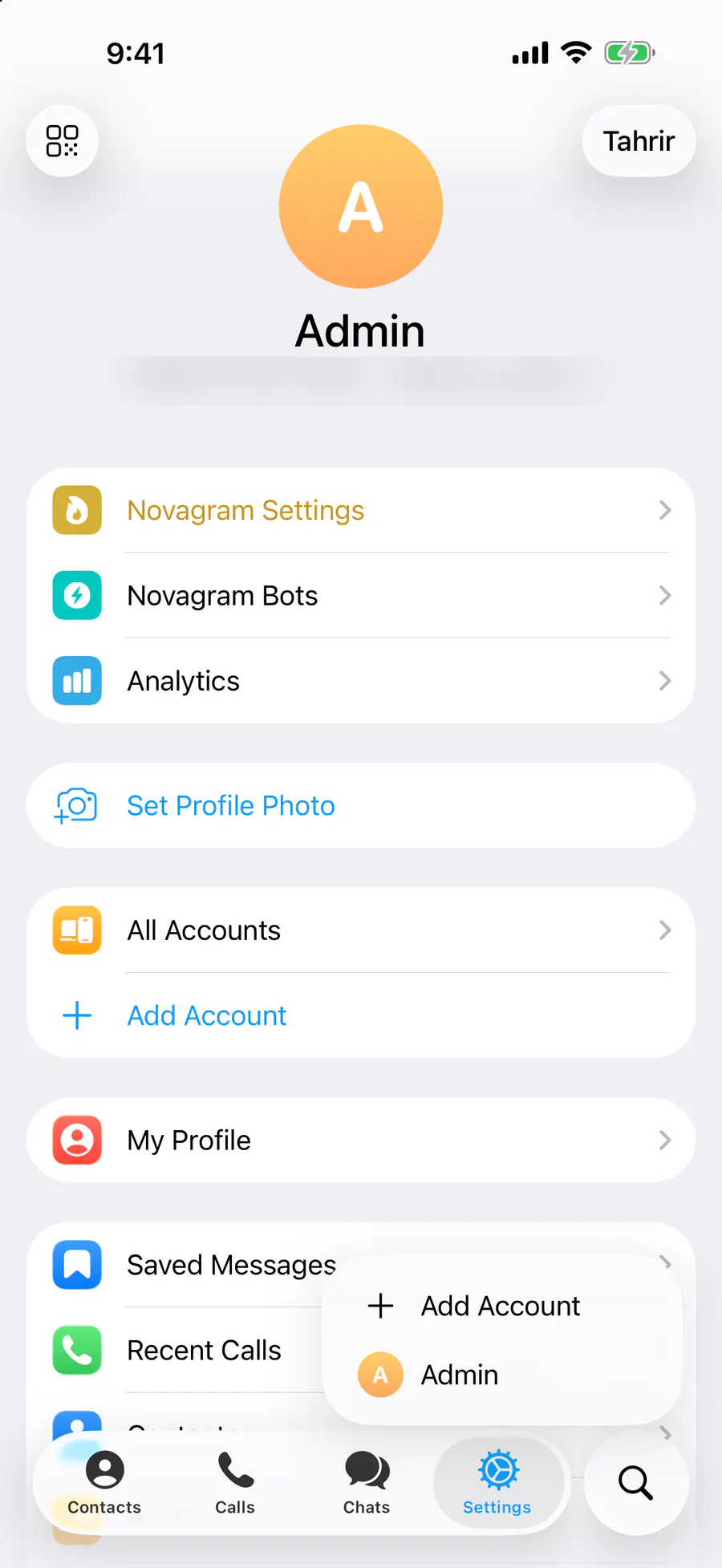
Tap “Settings” at the bottom of the screen.
Tap “Chat Folders” and open the folder.
Tap the icon next to the folder name and pick a symbol.
Result
The folder tab shows the symbol you picked.
Steps in screenshots
Each screenshot marks the right spot with a red frame. Tap to enlarge.
Card to share
A ready-made image to explain the feature to your friends.
WebP, 1800×1234Download the card