All Accounts
Up to 999 accounts in one app
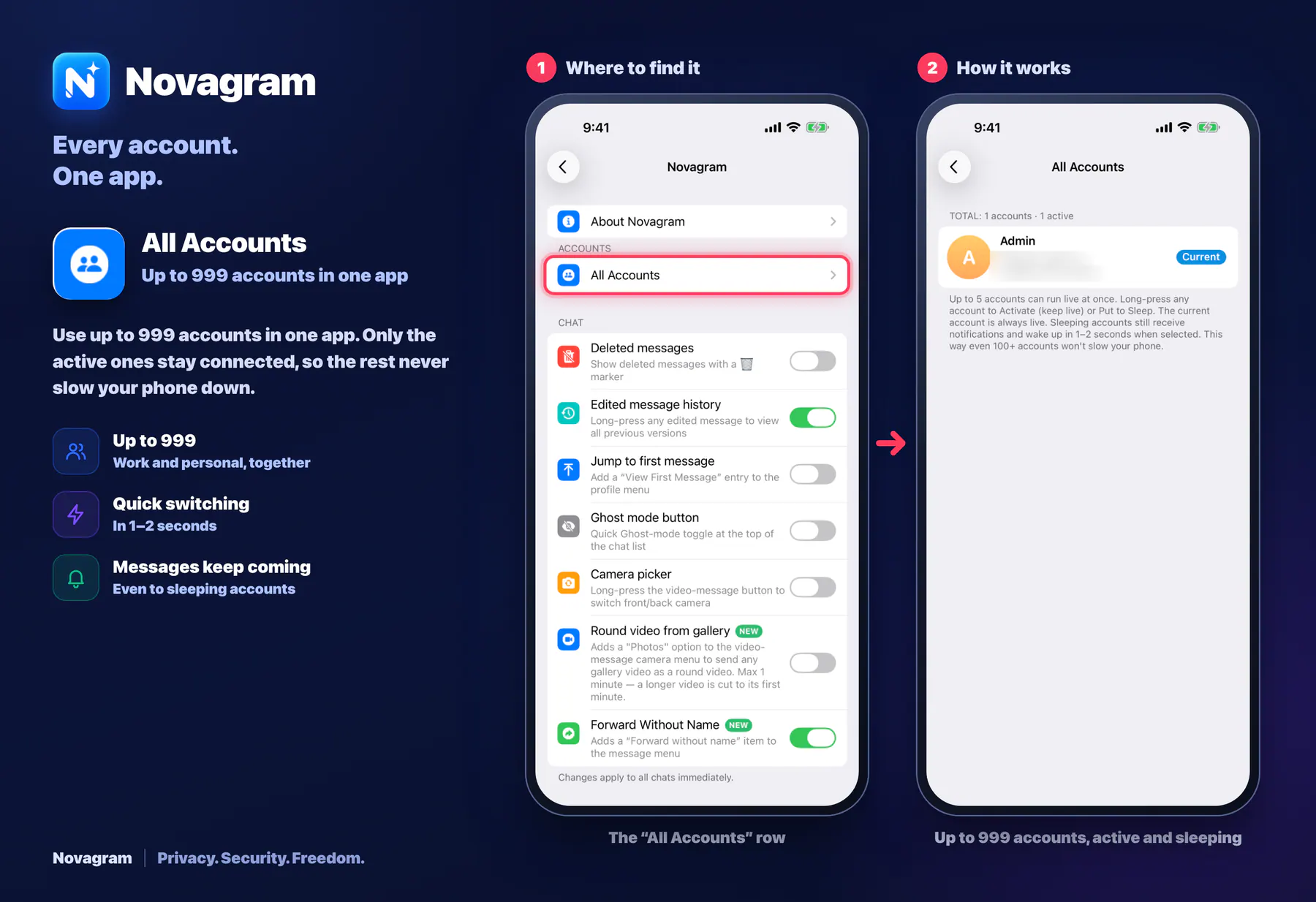
Use up to 999 accounts in one app. Only the active ones stay connected, so the rest never slow your phone down.
Opens this setting on a phone with Novagram installed
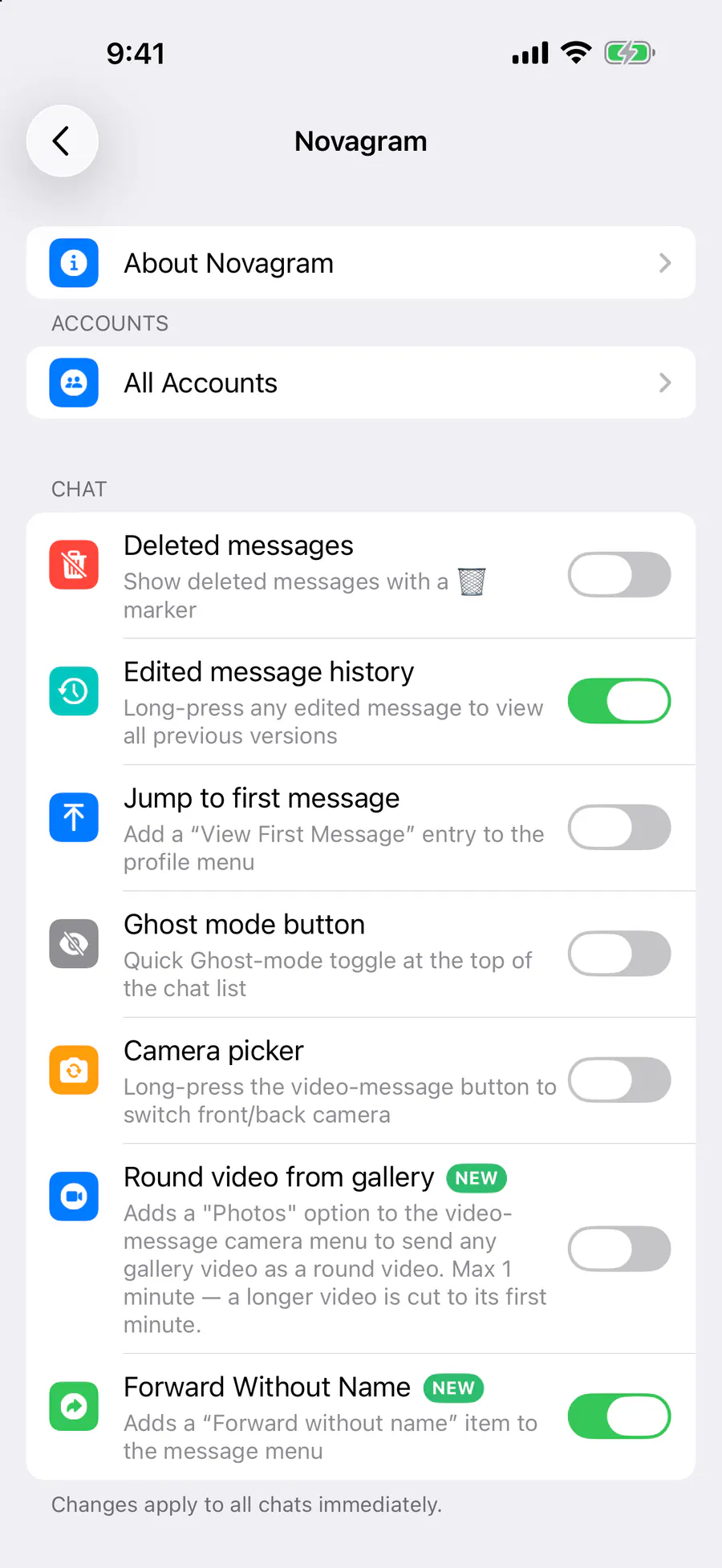
How it looks in the app
Step by step: the red frame shows where to tap.
The “All Accounts” row
Benefits
Up to 999
Work and personal, together
Quick switching
In 1–2 seconds
Messages keep coming
Even to sleeping accounts
How to turn it on
Tap “Settings” at the bottom of the screen.
Tap the gold “Novagram Settings” row.
Tap “All Accounts” near the top.
Press and hold an account → “Activate (No Sleep)” or “Put to Sleep”.
Result
Up to 5 accounts stay active at all times. The rest sleep to save battery.
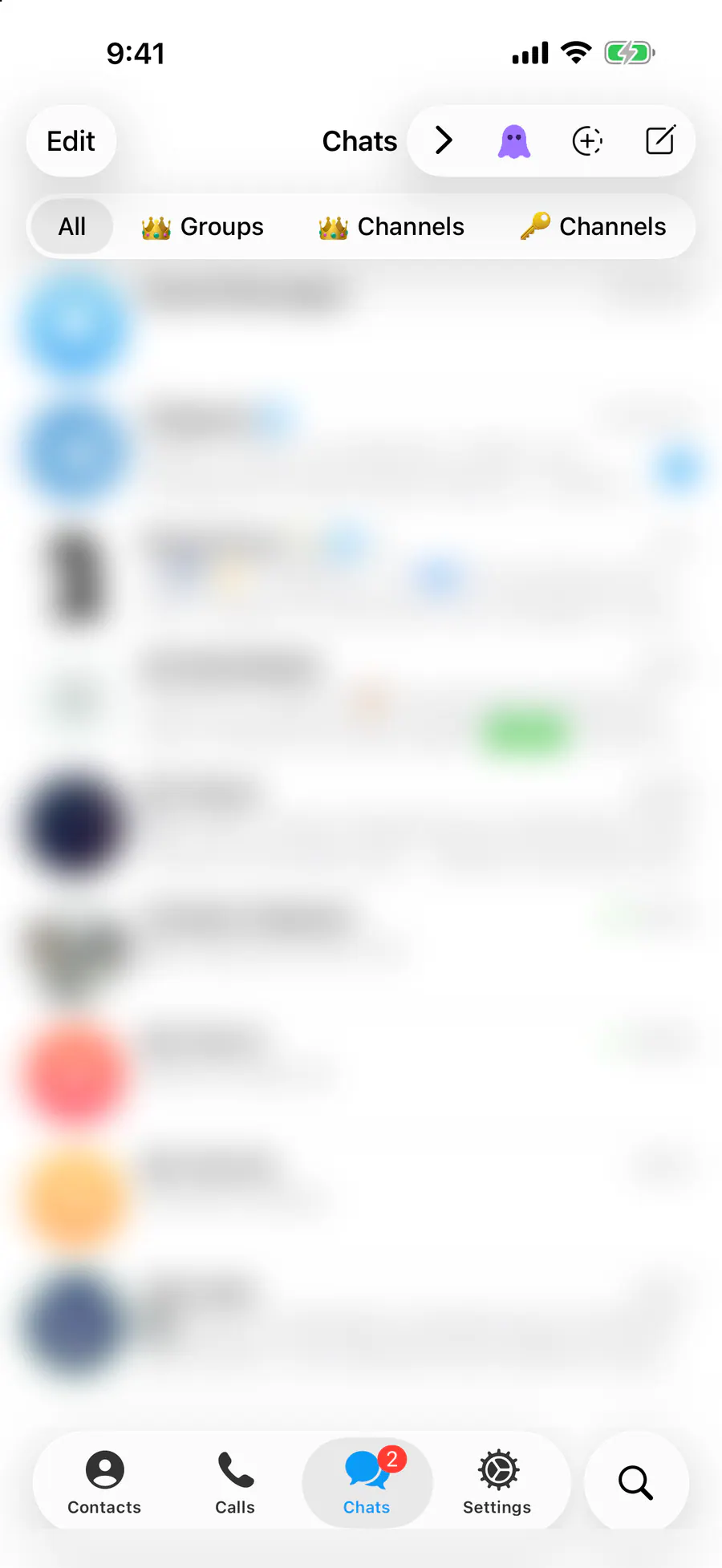
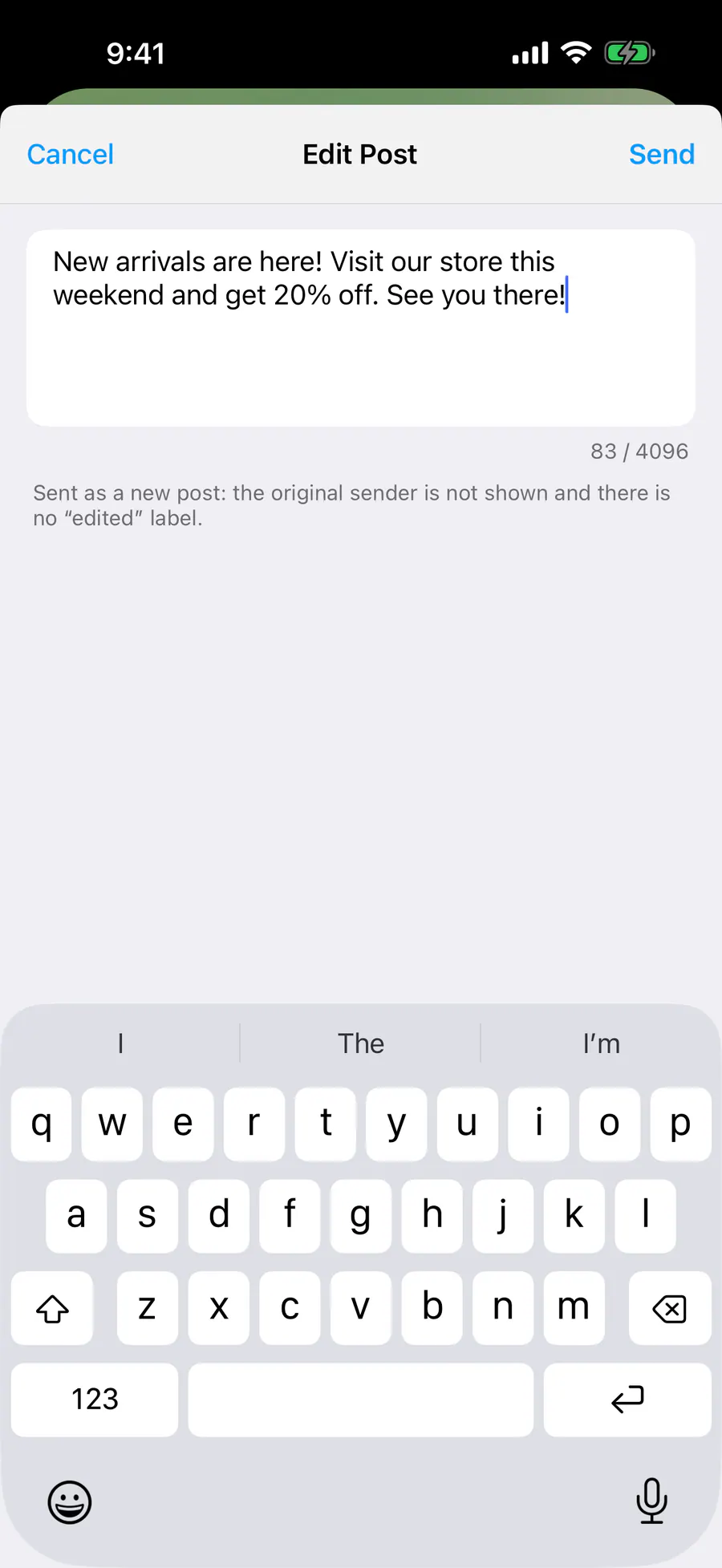
Steps in screenshots
Each screenshot marks the right spot with a red frame. Tap to enlarge.
Card to share
A ready-made image to explain the feature to your friends.