Protection
Ask Before Sending
No more accidental sends
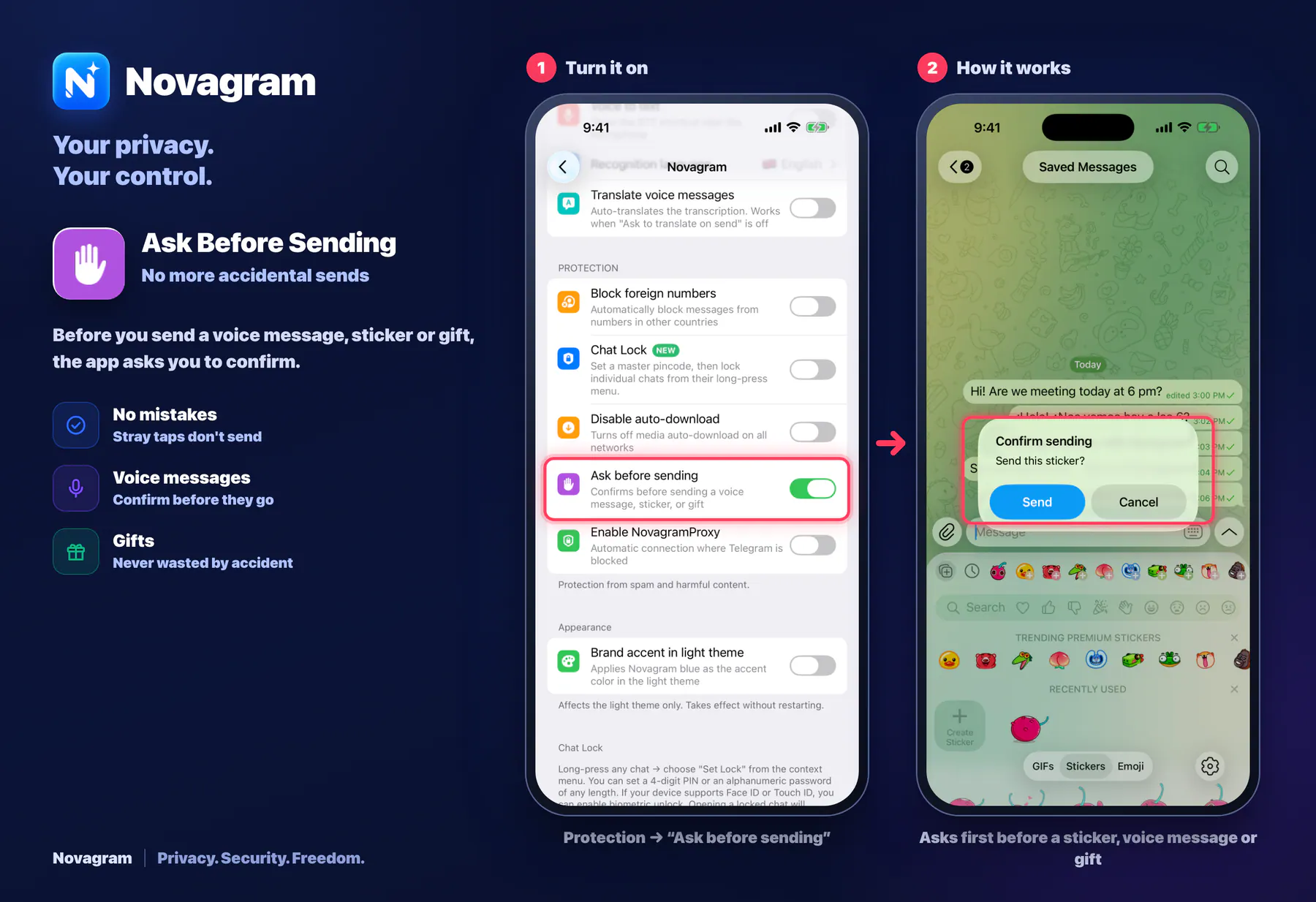
Before you send a voice message, sticker or gift, the app asks you to confirm.
Opens this setting on a phone with Novagram installed
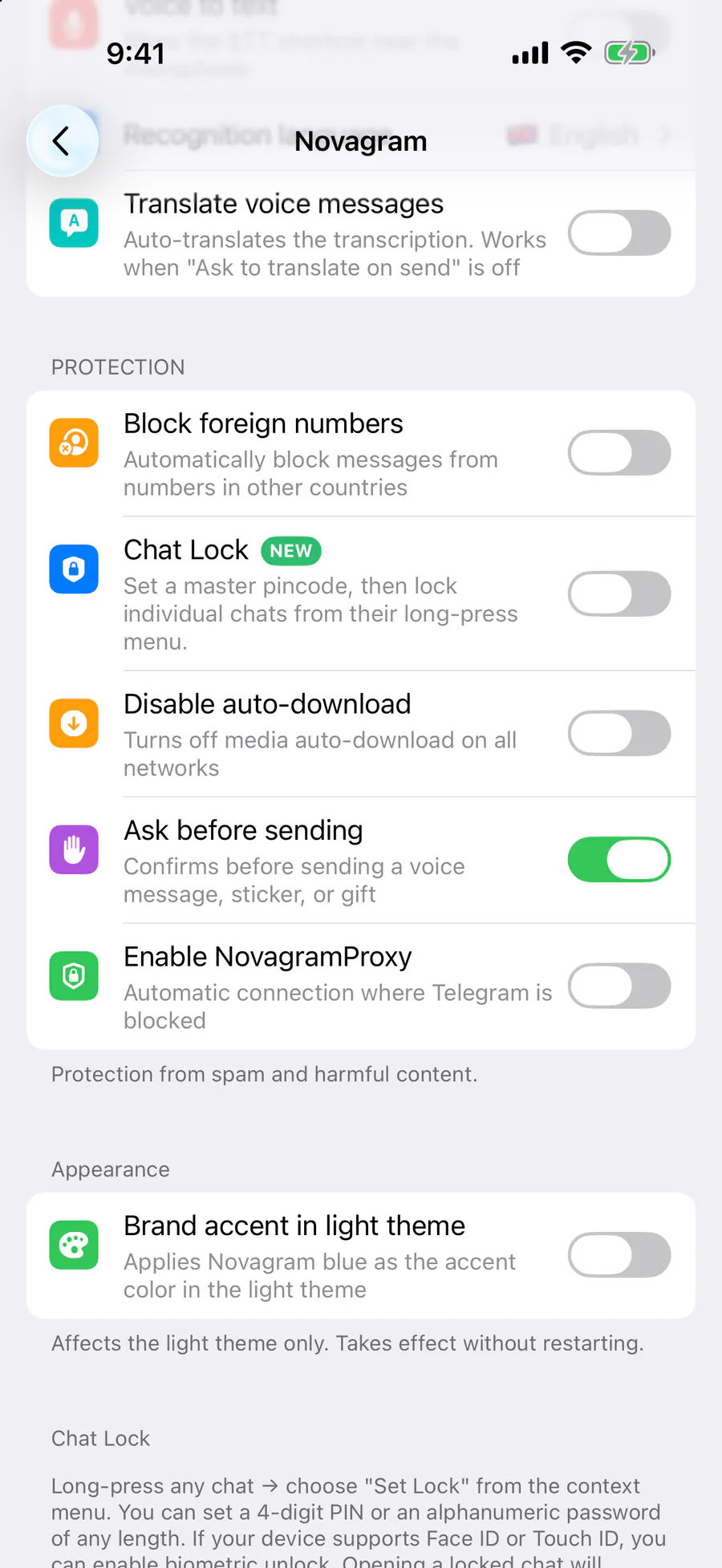
How it looks in the app
Step by step: the red frame shows where to tap.
Protection → “Ask before sending”
1 / 2
Benefits
No mistakes
Stray taps don't send
Voice messages
Confirm before they go
Gifts
Never wasted by accident
How to turn it on
Tap “Settings” at the bottom of the screen.
Tap the gold “Novagram Settings” row.
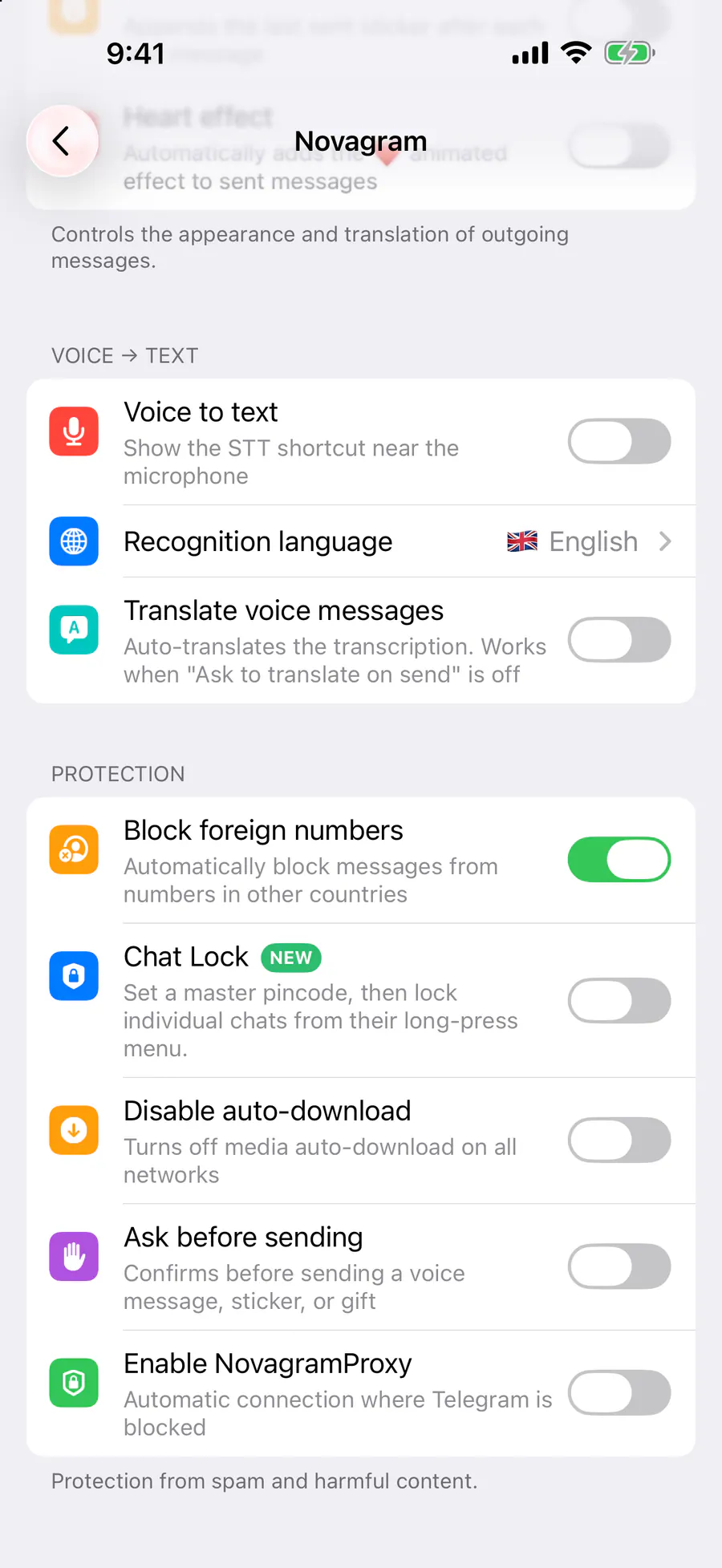
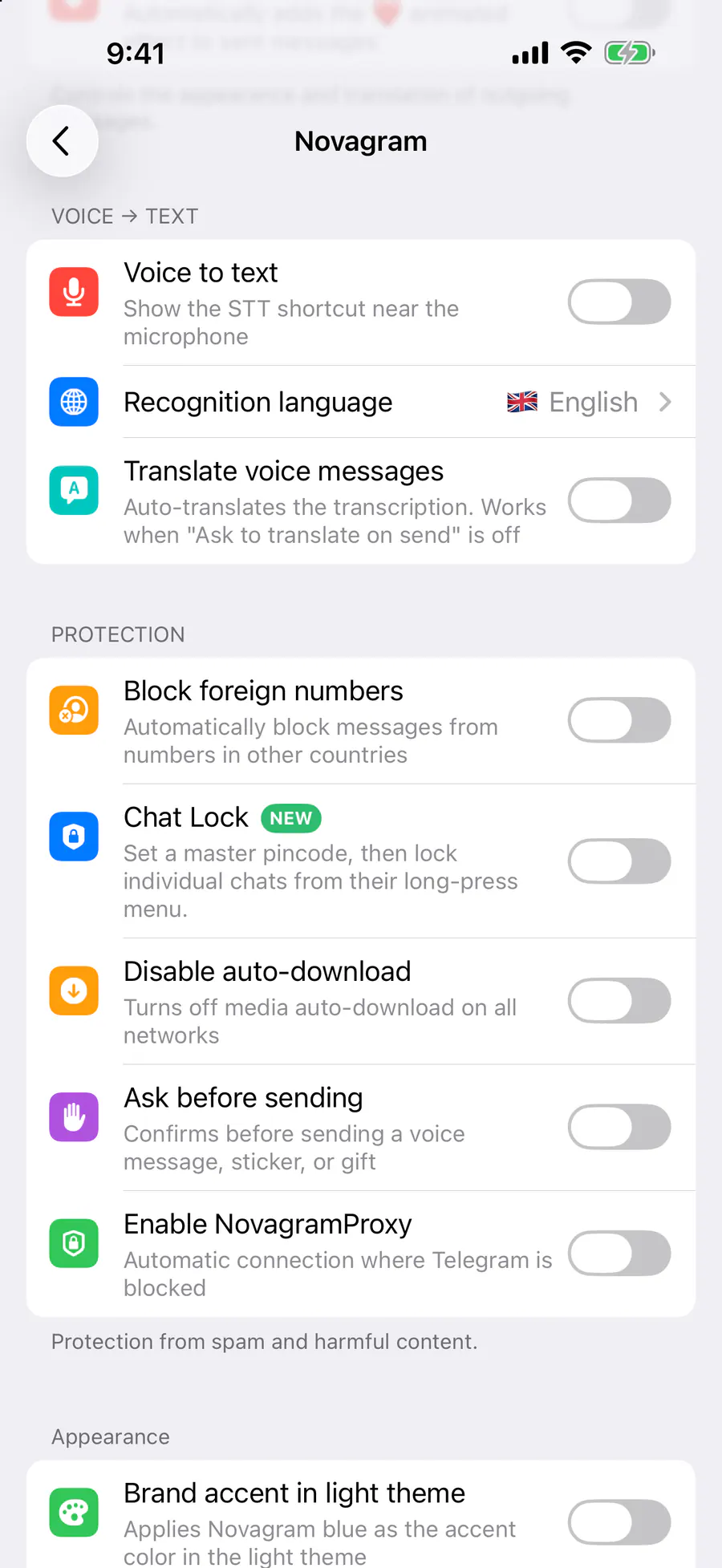
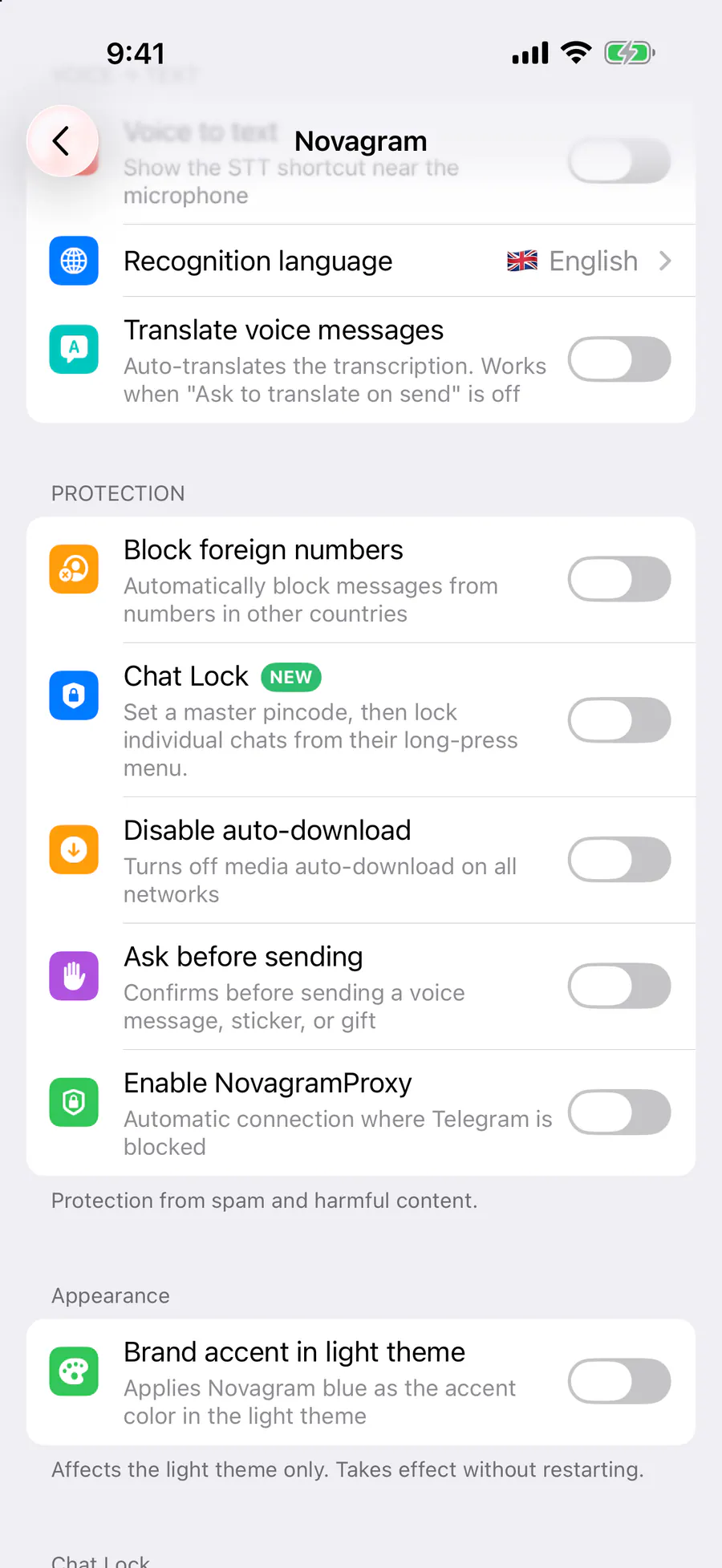
In the Protection section, turn on “Ask before sending”.
Result
When you send, a “Confirm sending” dialog appears first.
Steps in screenshots
Each screenshot marks the right spot with a red frame. Tap to enlarge.
Card to share
A ready-made image to explain the feature to your friends.
WebP, 1800×1234Download the card