Chat Lock
A separate password for key chats
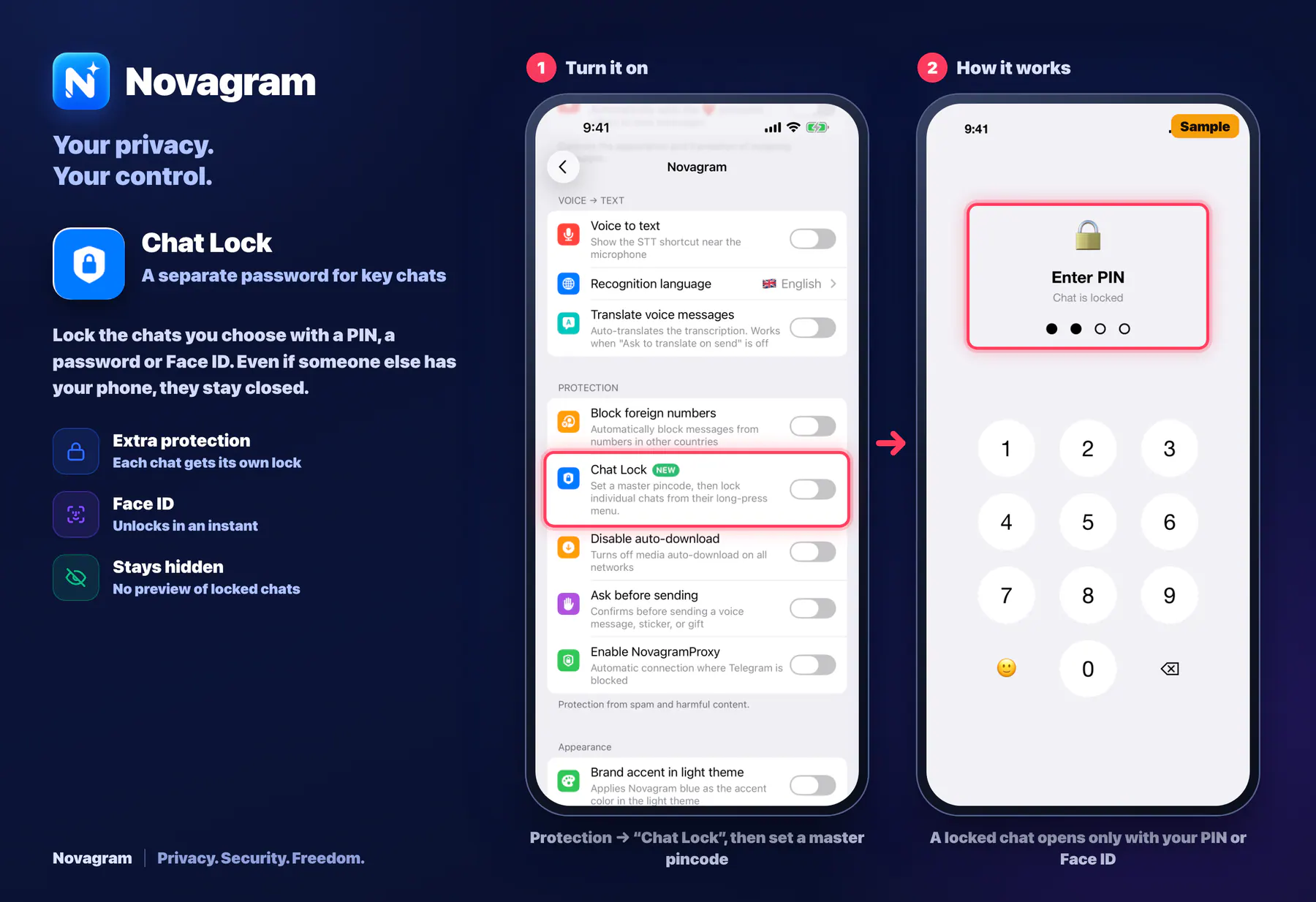
Lock the chats you choose with a PIN, a password or Face ID. Even if someone else has your phone, they stay closed.
Opens this setting on a phone with Novagram installed
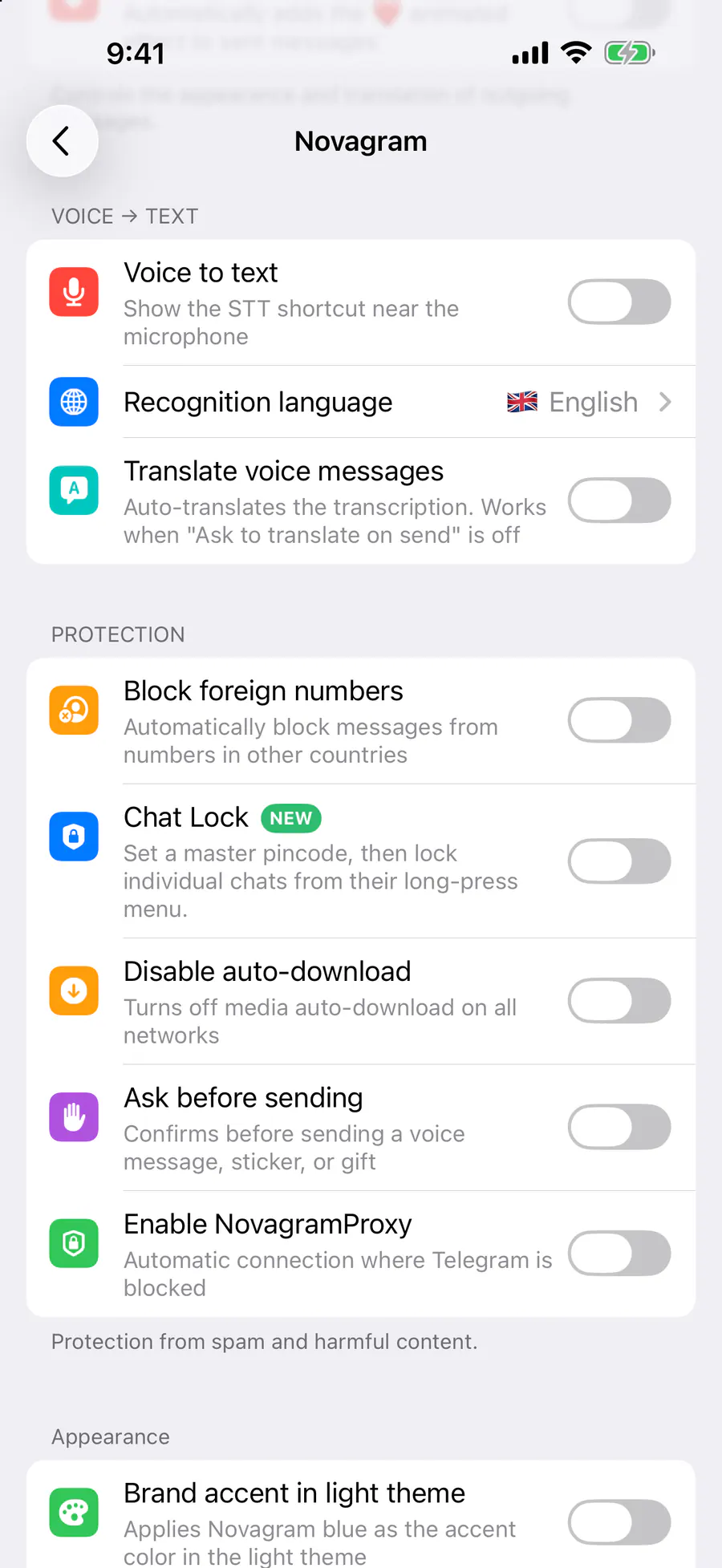
How it looks in the app
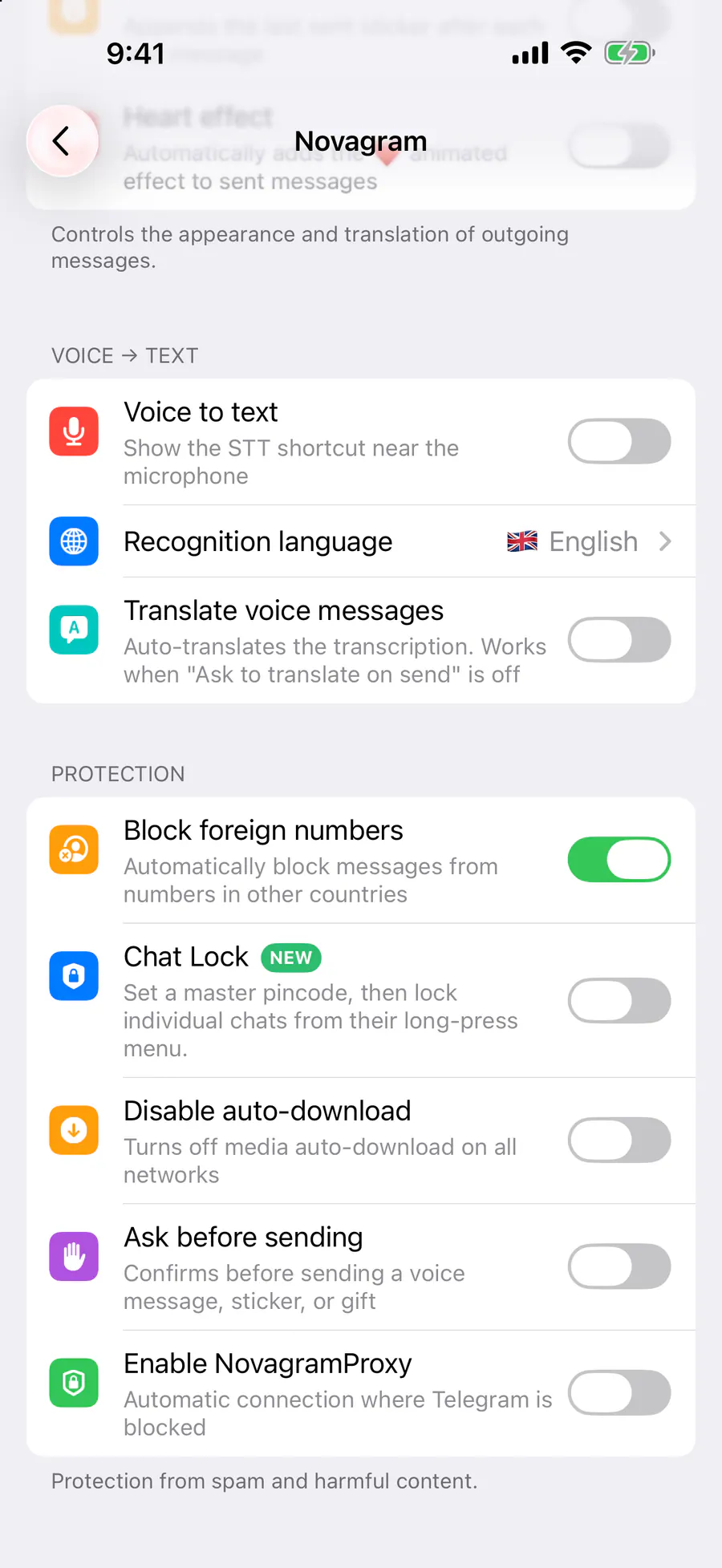
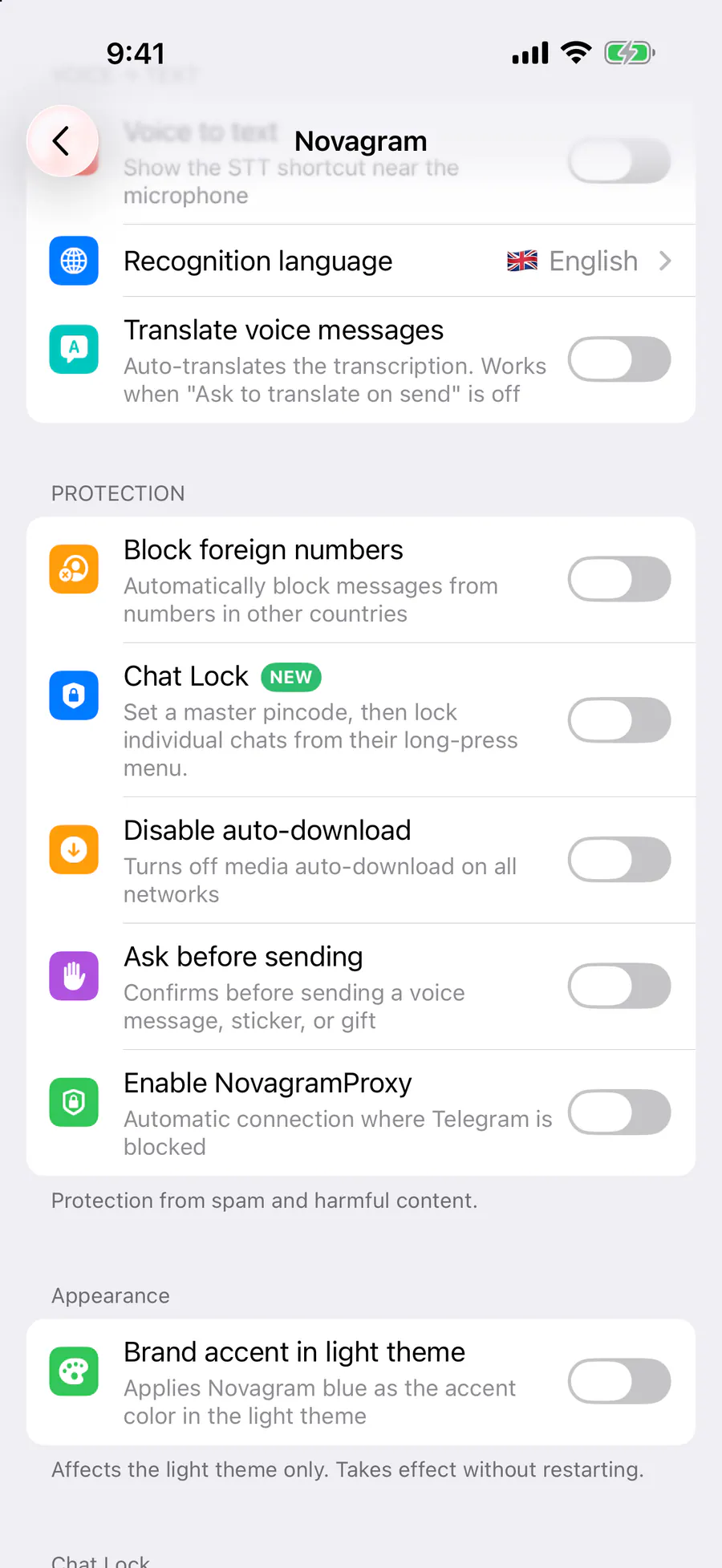
Step by step: the red frame shows where to tap.
Protection → “Chat Lock”, then set a master pincode
Benefits
Extra protection
Each chat gets its own lock
Face ID
Unlocks in an instant
Stays hidden
No preview of locked chats
How to turn it on
Tap “Settings” at the bottom of the screen.
Tap the gold “Novagram Settings” row.
In the Protection section, turn on “Chat Lock” and set your master pincode.
In your chat list, press and hold a chat → “Set Pincode”.
Result
Opening a locked chat asks for your PIN or Face ID.
Steps in screenshots
Each screenshot marks the right spot with a red frame. Tap to enlarge.
Card to share
A ready-made image to explain the feature to your friends.