Protection
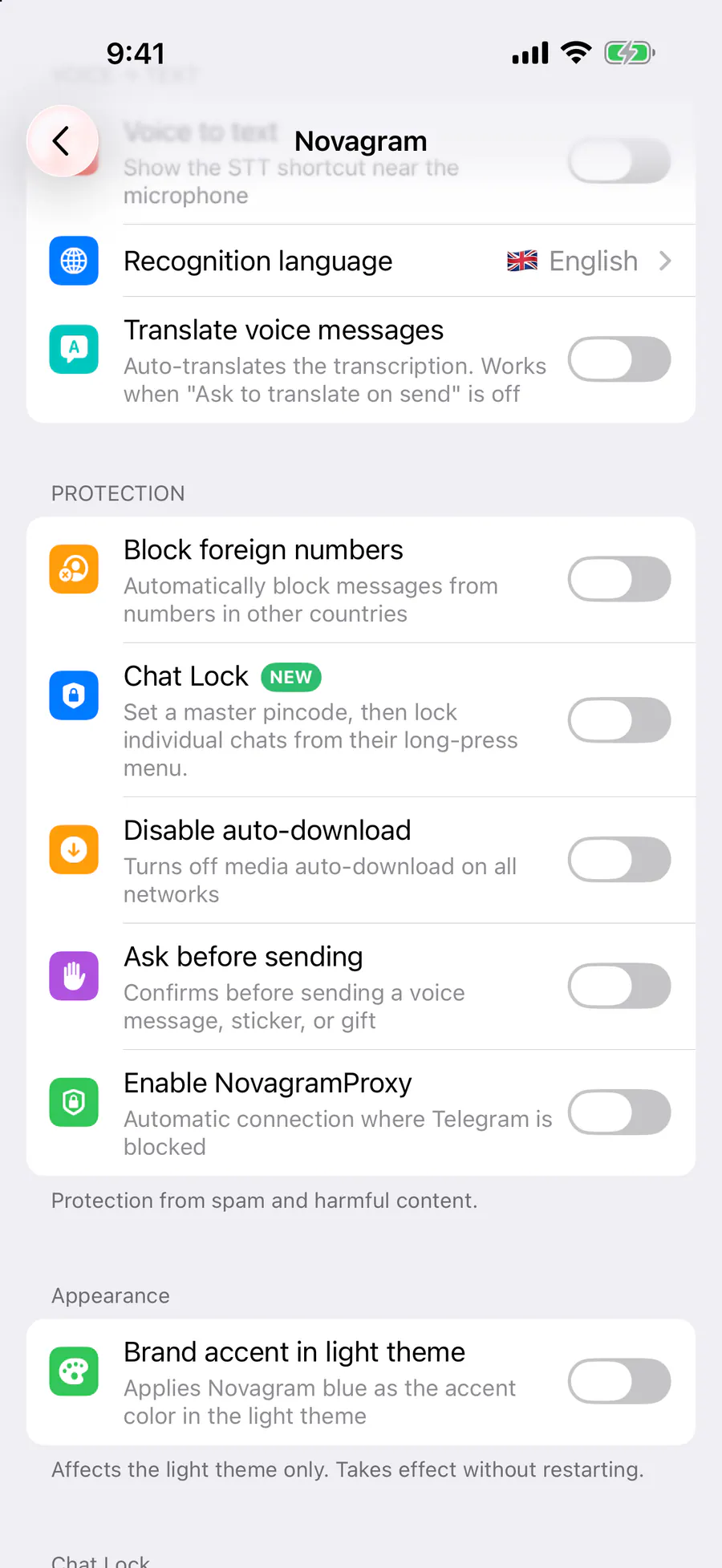
Disable Auto-Download
Save data and storage
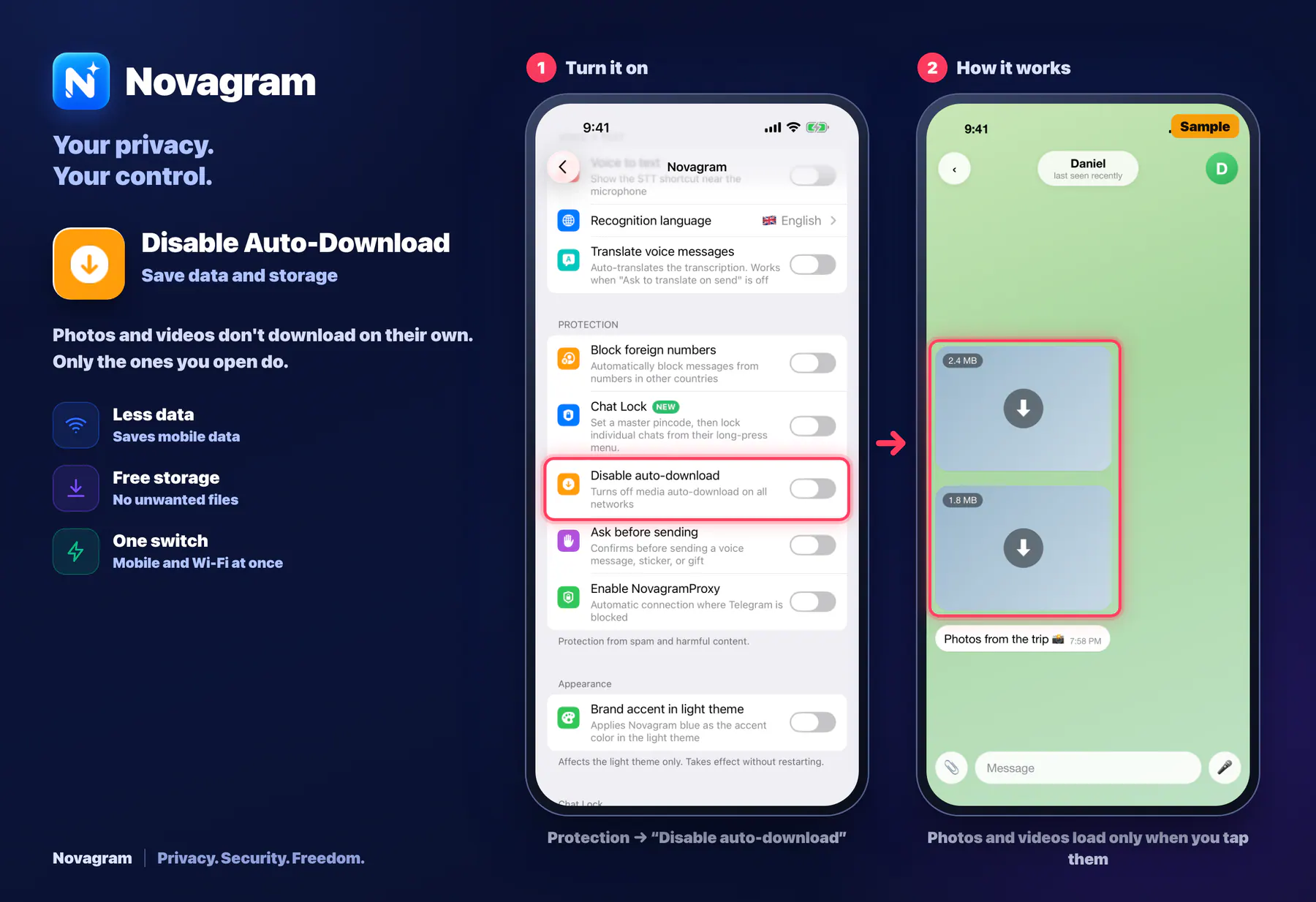
Photos and videos don't download on their own. Only the ones you open do.
Opens this setting on a phone with Novagram installed
How it looks in the app
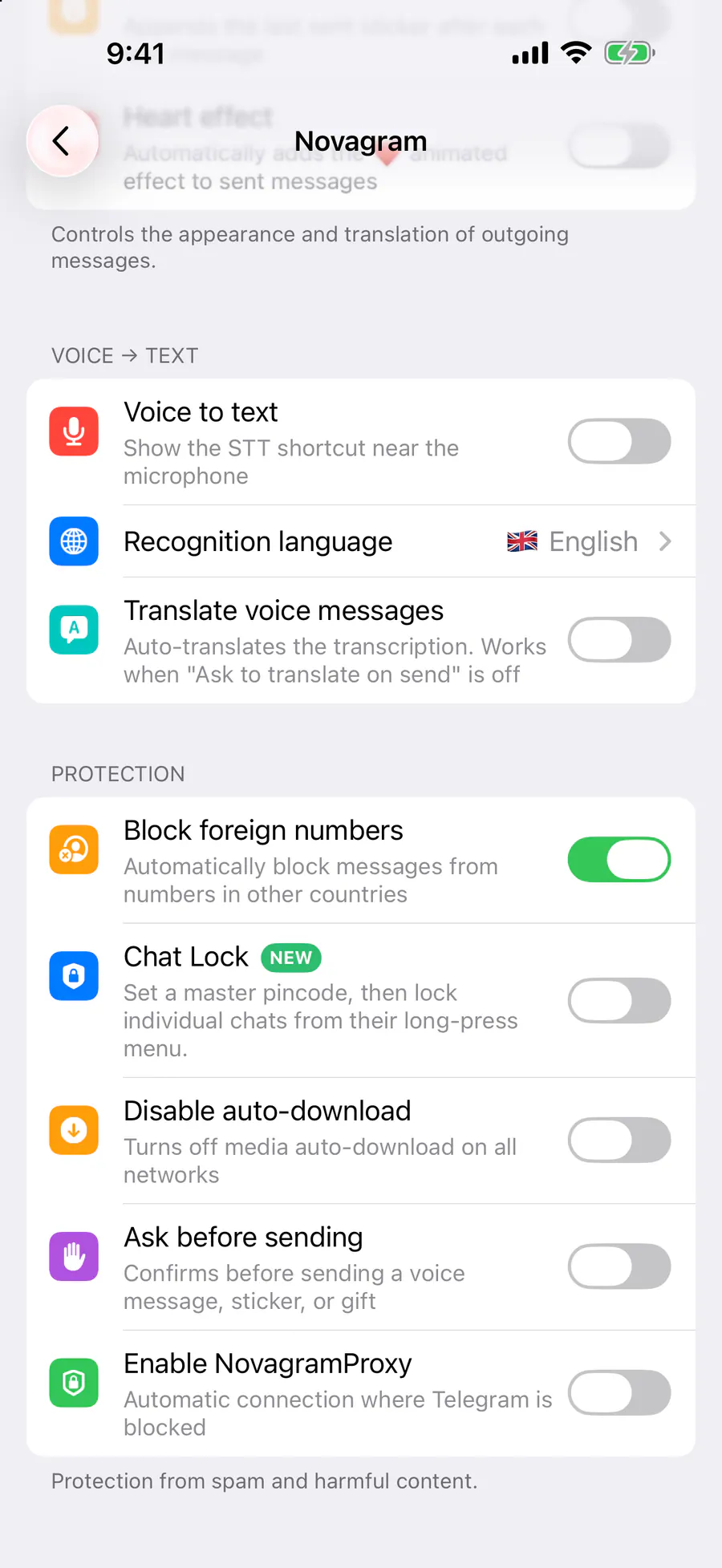
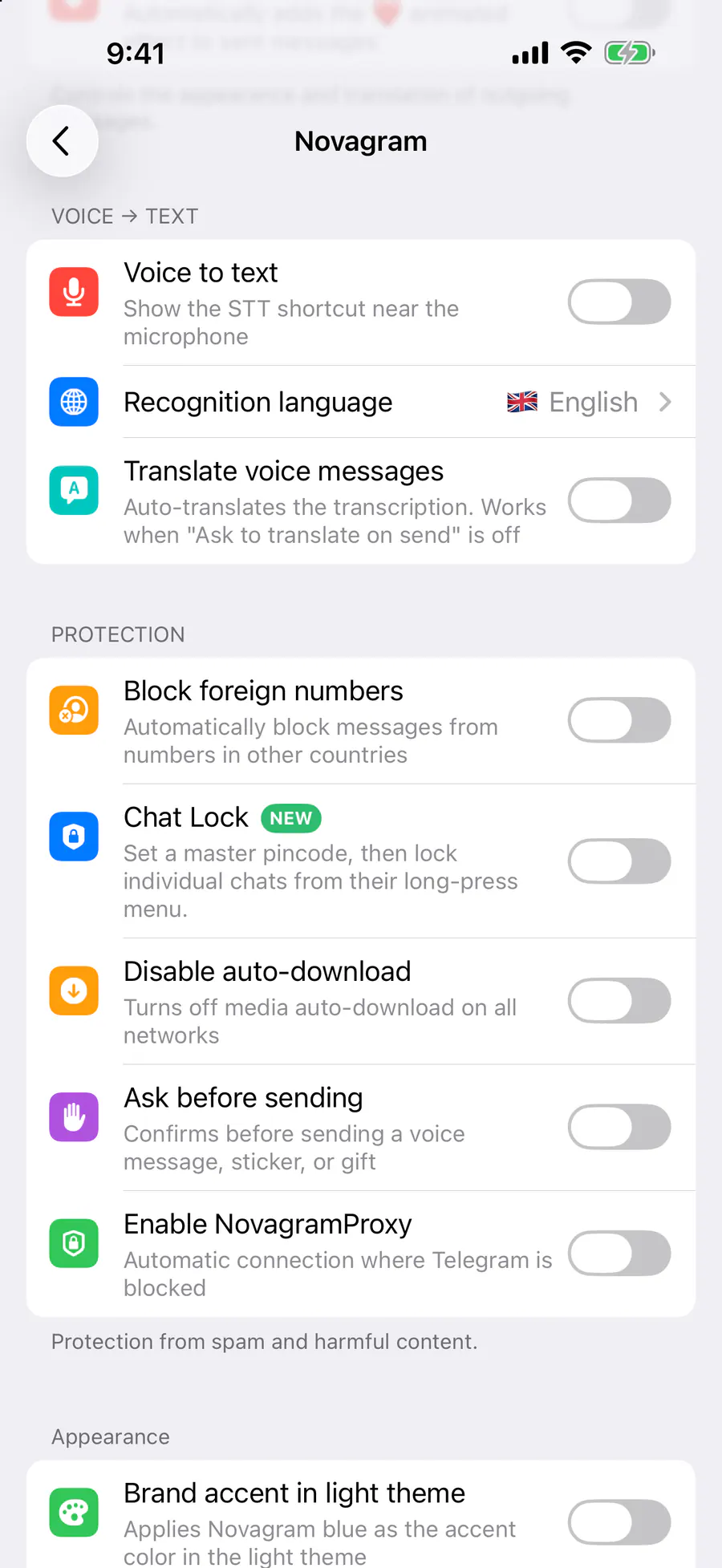
Step by step: the red frame shows where to tap.
Protection → “Disable auto-download”
1 / 2
Benefits
Less data
Saves mobile data
Free storage
No unwanted files
One switch
Mobile and Wi-Fi at once
How to turn it on
Tap “Settings” at the bottom of the screen.
Tap the gold “Novagram Settings” row.
In the Protection section, turn on “Disable auto-download”.
Result
Media downloads only when you tap it.
Steps in screenshots
Each screenshot marks the right spot with a red frame. Tap to enlarge.
Card to share
A ready-made image to explain the feature to your friends.
WebP, 1800×1234Download the card