Login
NovagramProxy Before Login
Log in even where Telegram is blocked
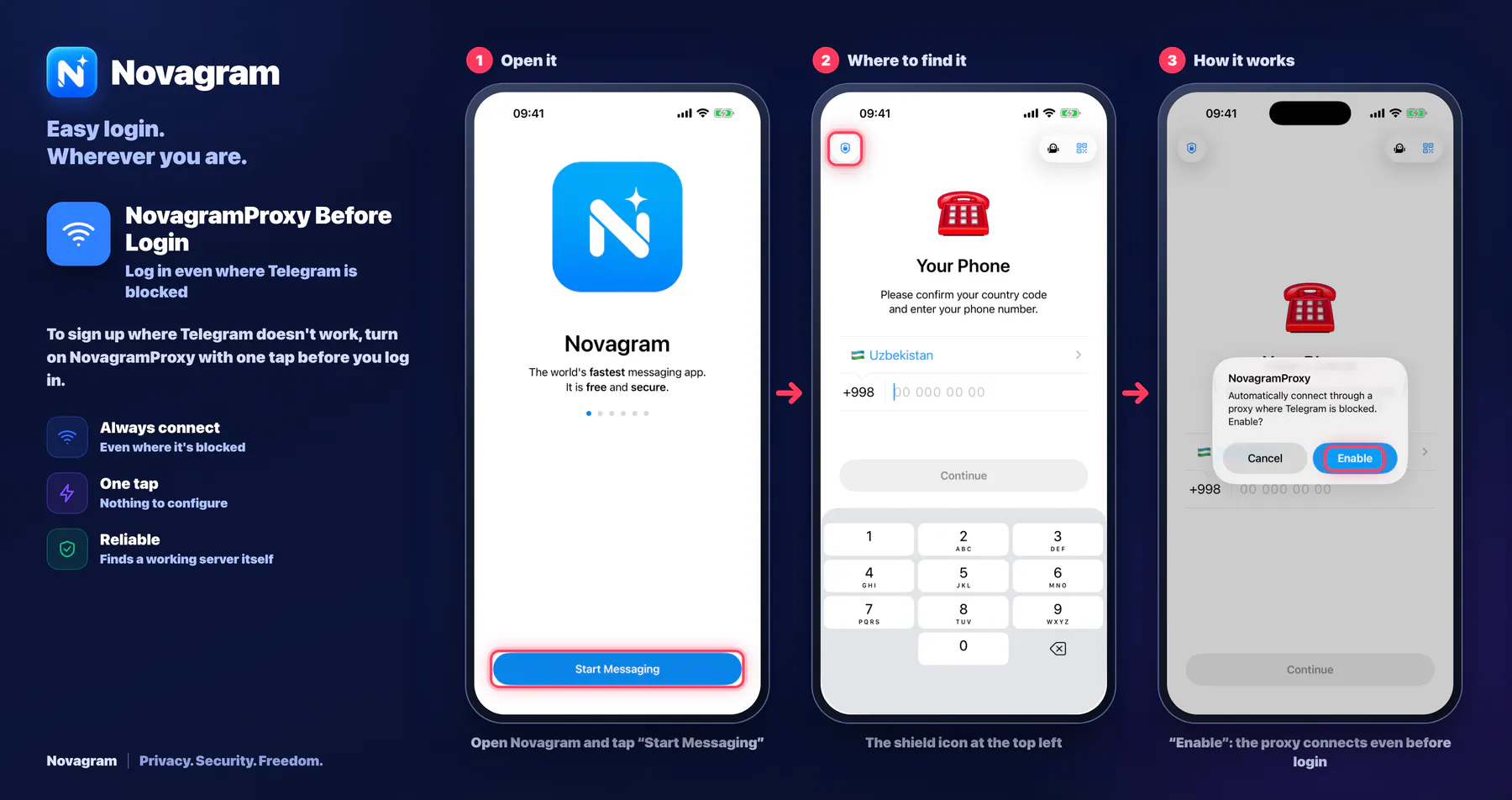
To sign up where Telegram doesn't work, turn on NovagramProxy with one tap before you log in.
How it looks in the app
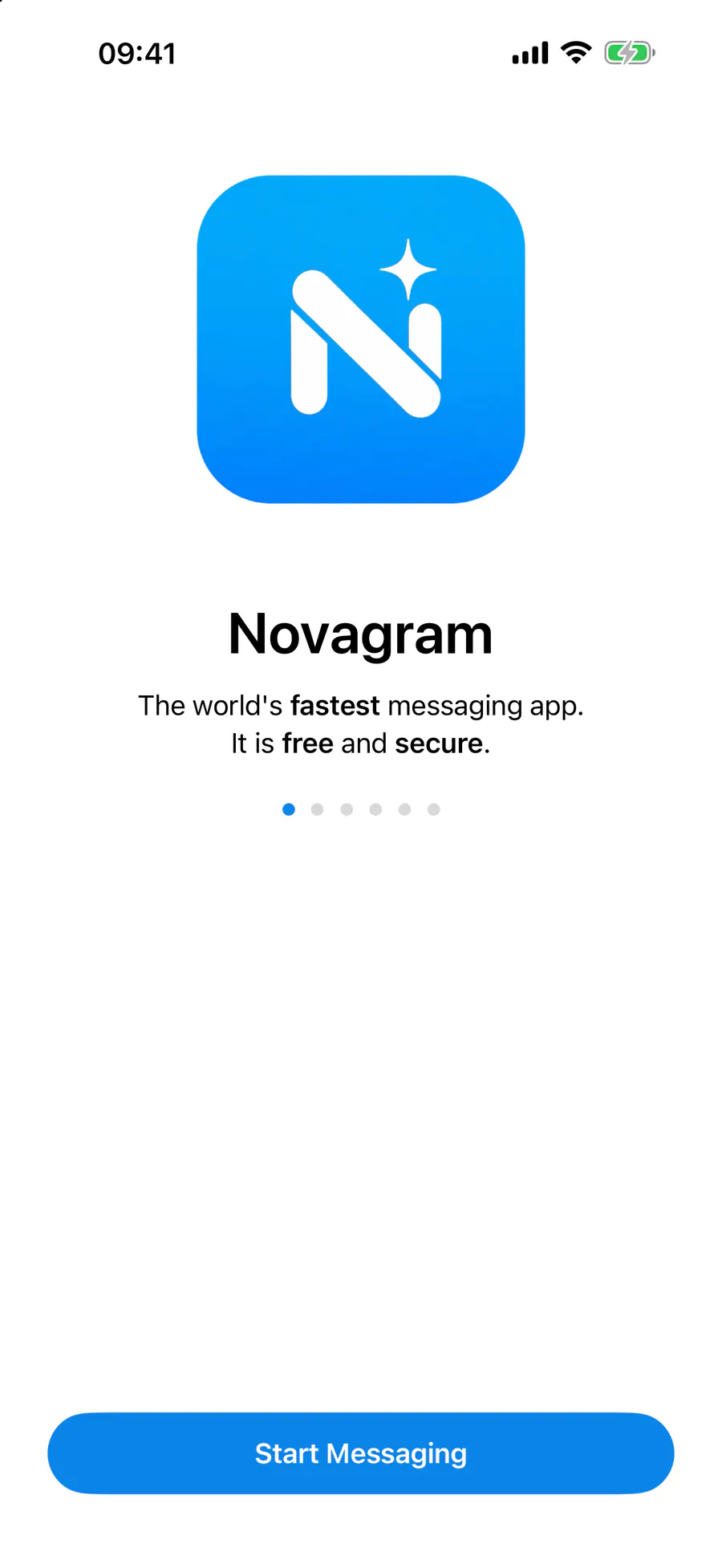
Step by step: the red frame shows where to tap.
Open Novagram and tap “Start Messaging”
1 / 3
Benefits
Always connect
Even where it's blocked
One tap
Nothing to configure
Reliable
Finds a working server itself
How to turn it on
Open Novagram and tap “Start Messaging”.
On the “Your Phone” screen, tap the shield icon at the top left.
In the “NovagramProxy” dialog, tap “Enable”.
Result
The app connects through the proxy, and you can log in as usual.
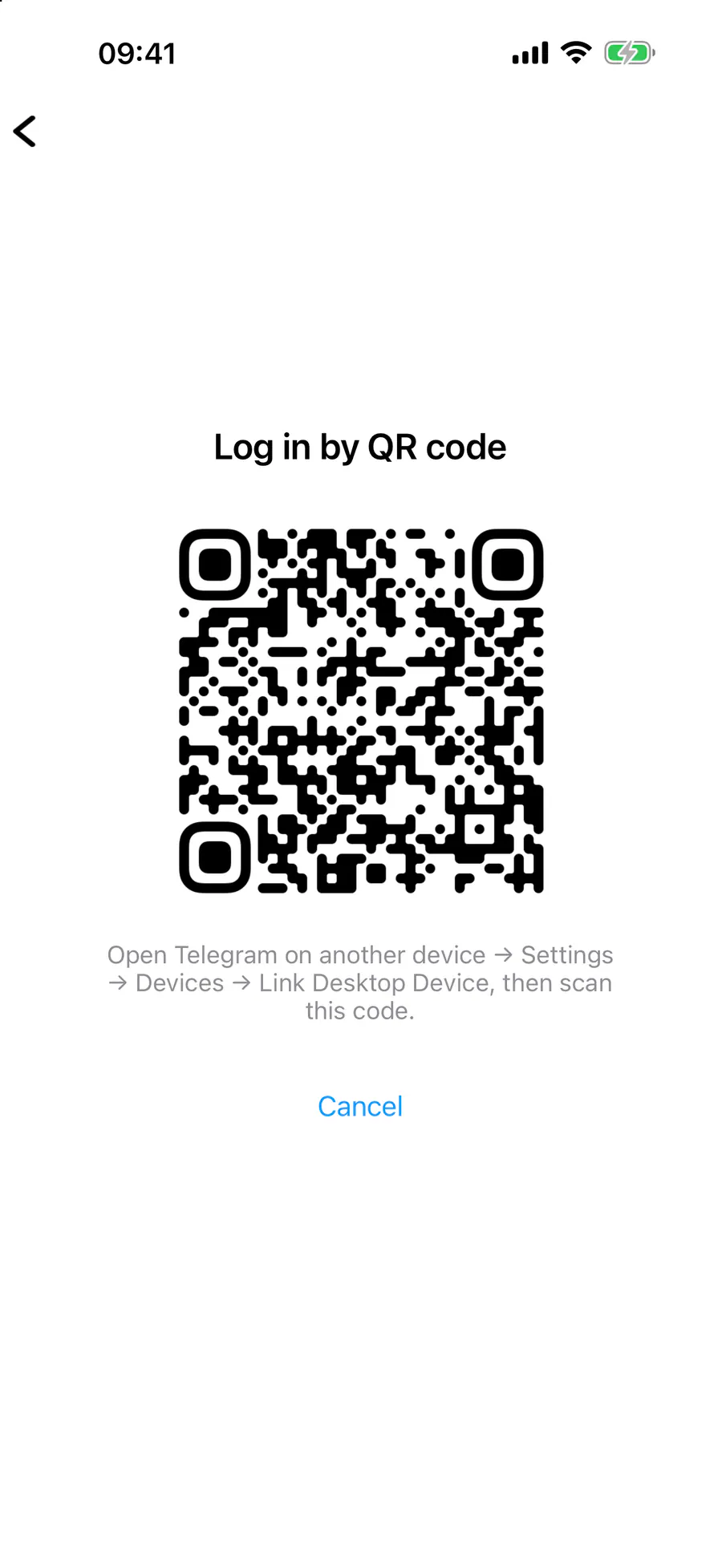
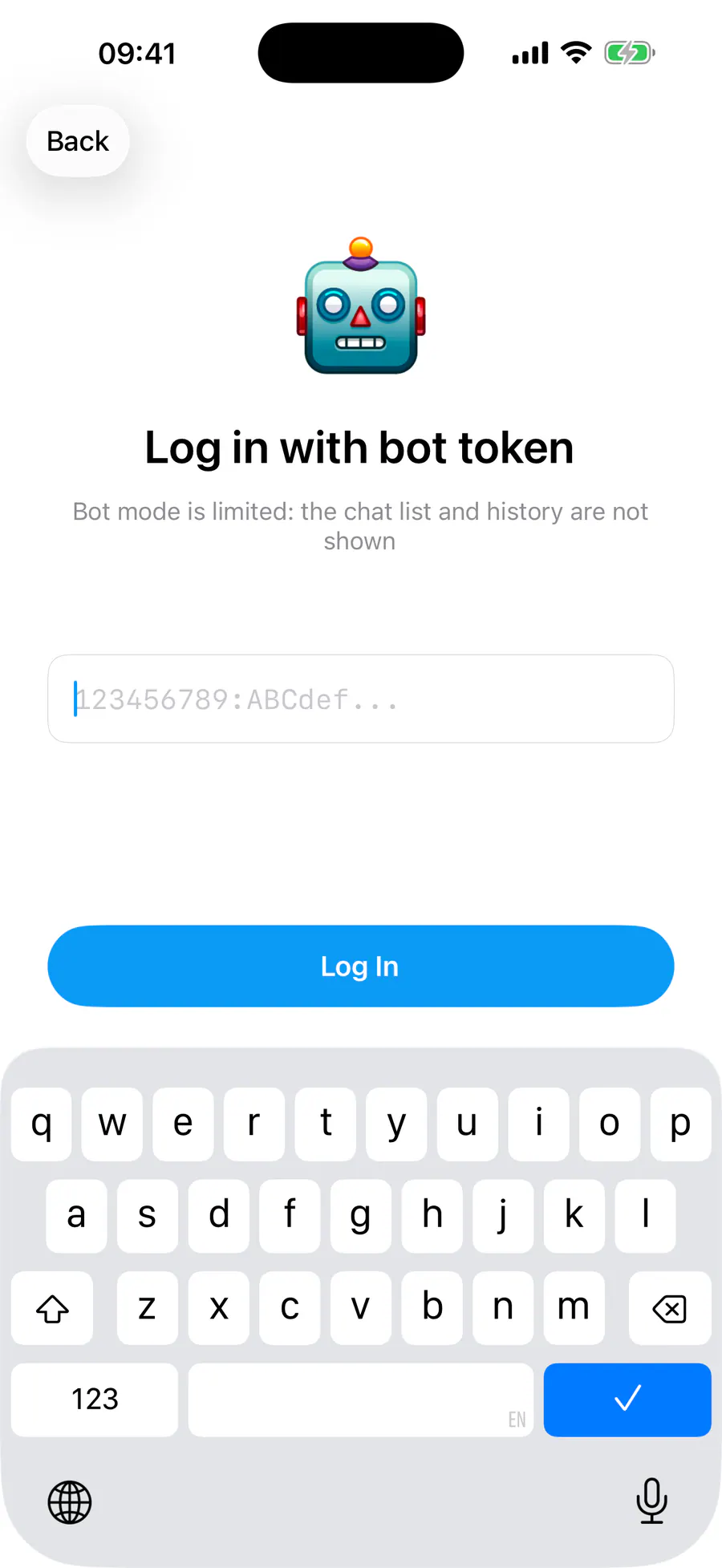
Steps in screenshots
Each screenshot marks the right spot with a red frame. Tap to enlarge.
Card to share
A ready-made image to explain the feature to your friends.
WebP, 1800×952Download the card