Translate Voice Messages
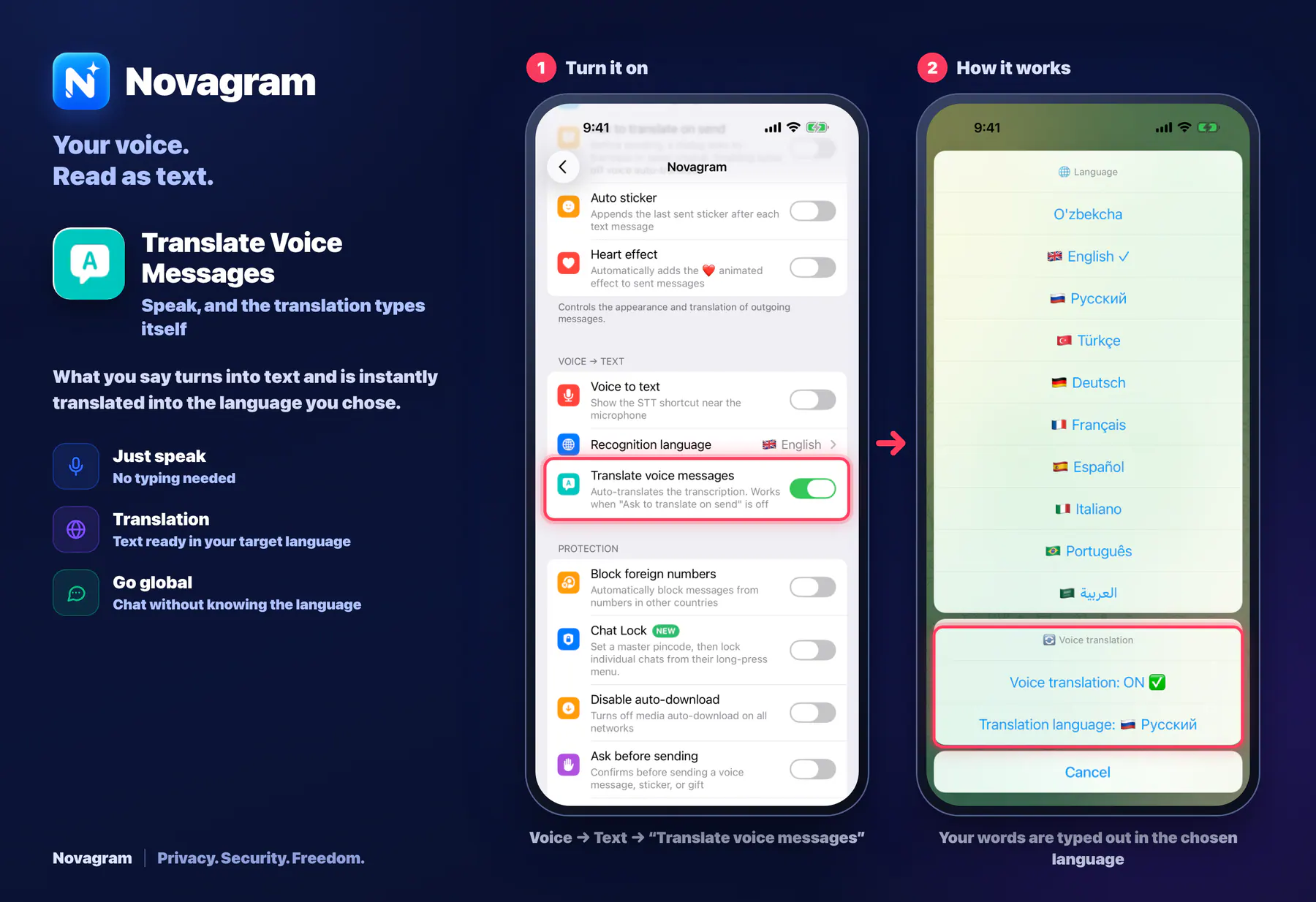
Speak, and the translation types itself
What you say turns into text and is instantly translated into the language you chose.
Opens this setting on a phone with Novagram installed
How it looks in the app
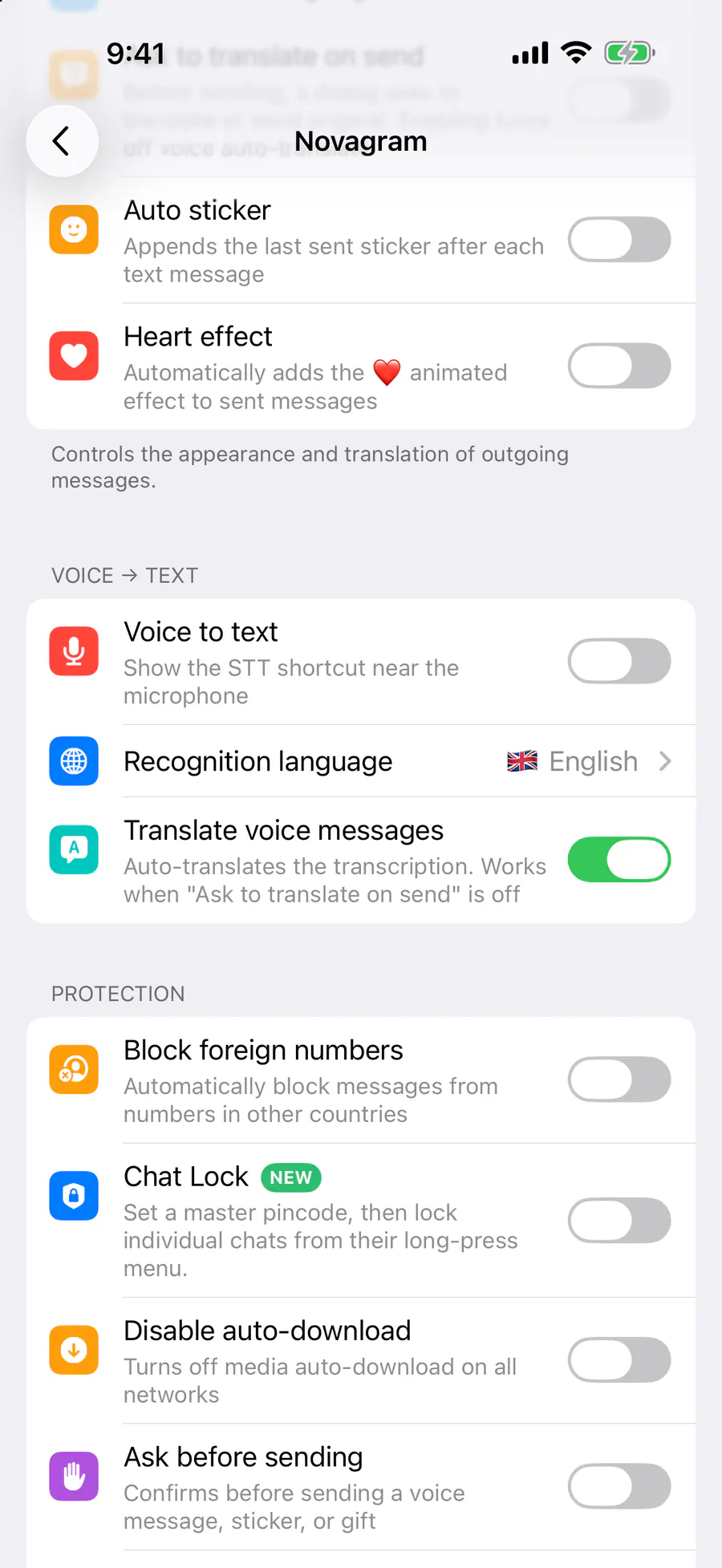
Step by step: the red frame shows where to tap.
Voice → Text → “Translate voice messages”
Benefits
Just speak
No typing needed
Translation
Text ready in your target language
Go global
Chat without knowing the language
How to turn it on
Tap “Settings” at the bottom of the screen.
Tap the gold “Novagram Settings” row.
In the Voice → Text section, turn on “Translate voice messages”.
In a chat, tap the voice button and speak.
Result
The translation of what you said lands in the message field.
Steps in screenshots
Each screenshot marks the right spot with a red frame. Tap to enlarge.
Card to share
A ready-made image to explain the feature to your friends.