Translate Button
Read any message in your language
“Translate” shows up in every message menu, so you can translate an incoming message into your language in one tap.
Opens this setting on a phone with Novagram installed
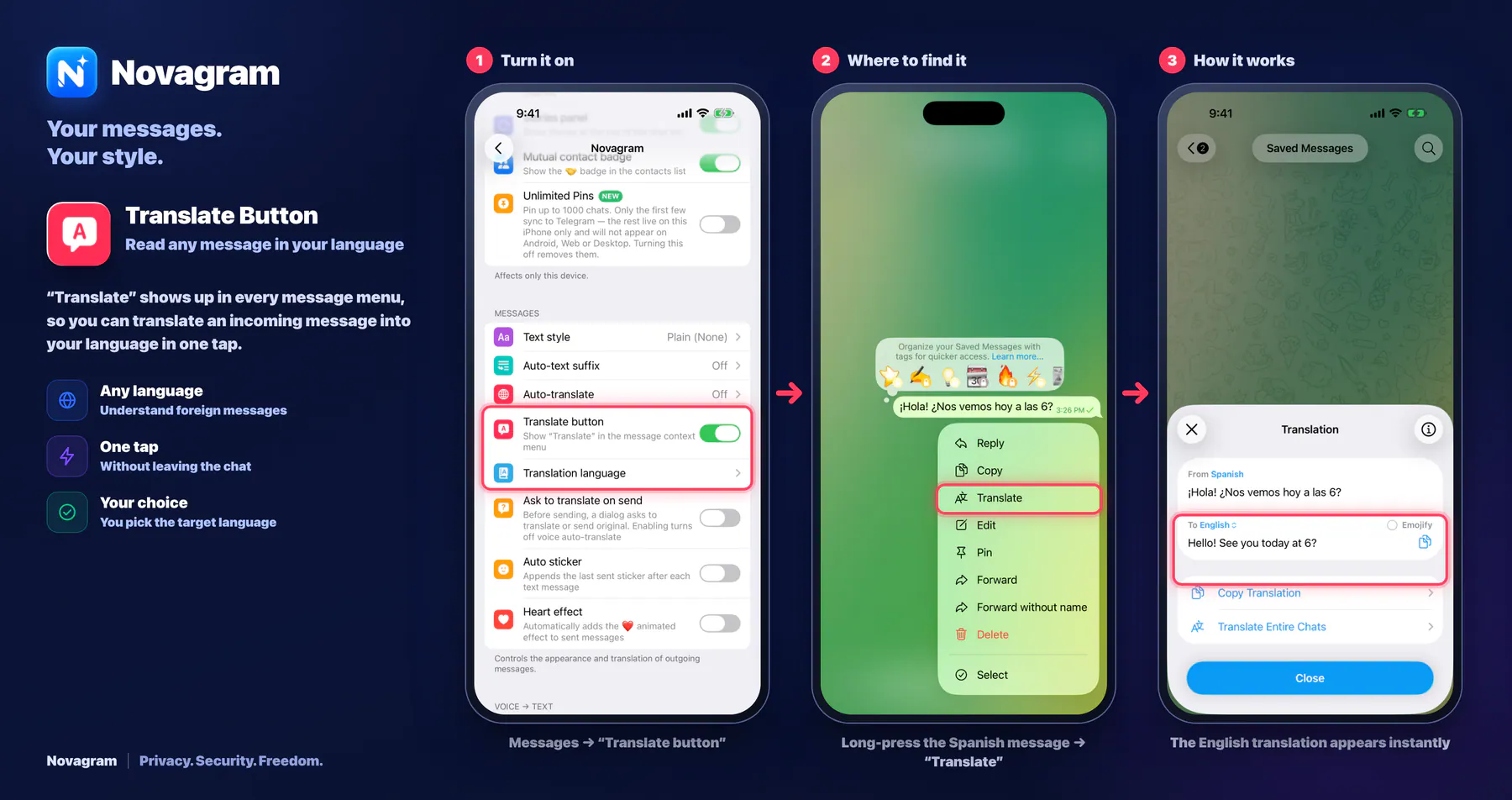
How it looks in the app
Step by step: the red frame shows where to tap.
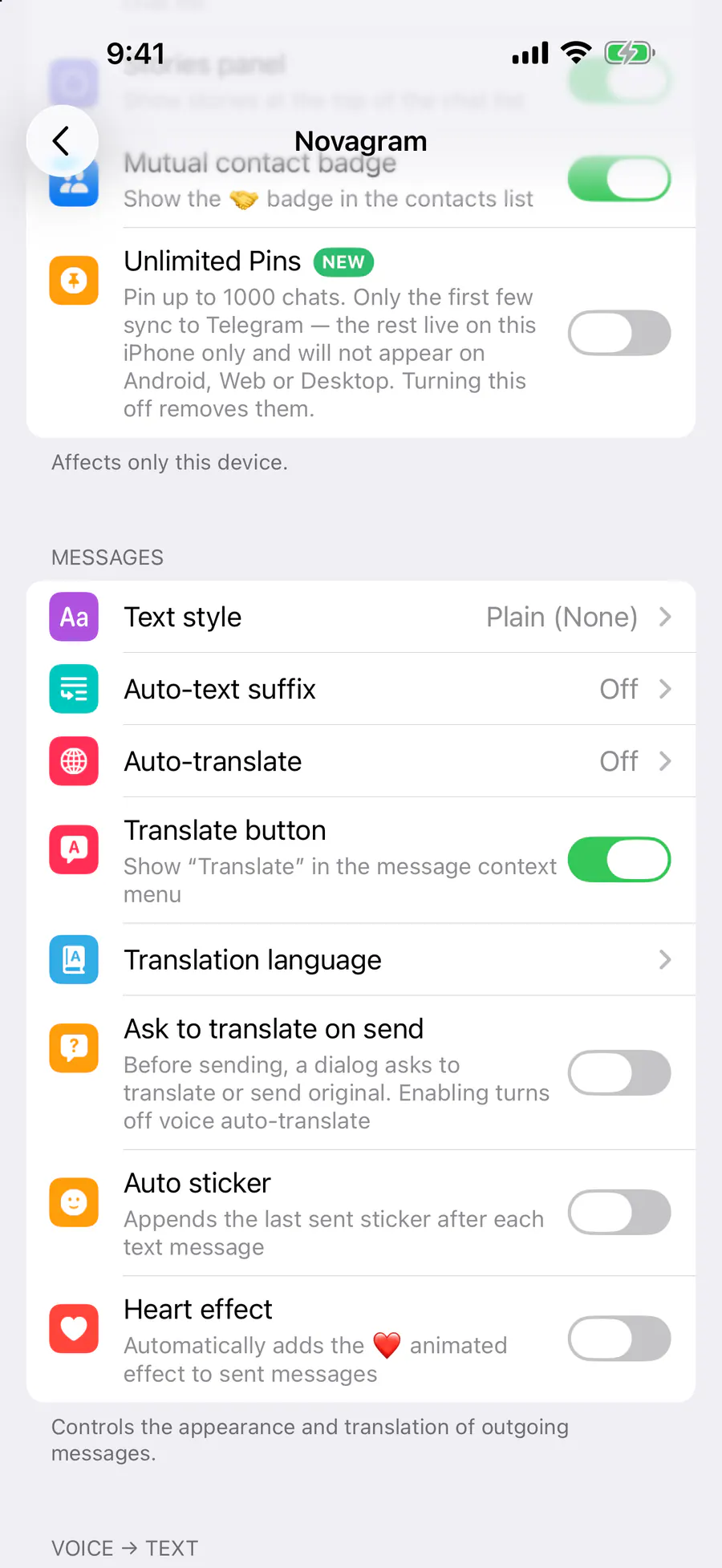
Messages → “Translate button”
Benefits
Any language
Understand foreign messages
One tap
Without leaving the chat
Your choice
You pick the target language
How to turn it on
Tap “Settings” at the bottom of the screen.
Tap the gold “Novagram Settings” row.
In the Messages section, turn on “Translate button”.
Pick a language in “Translation language”.
In a chat, press and hold a message → “Translate”.
Result
The message appears in the language you chose.
Steps in screenshots
Each screenshot marks the right spot with a red frame. Tap to enlarge.
Card to share
A ready-made image to explain the feature to your friends.