Features
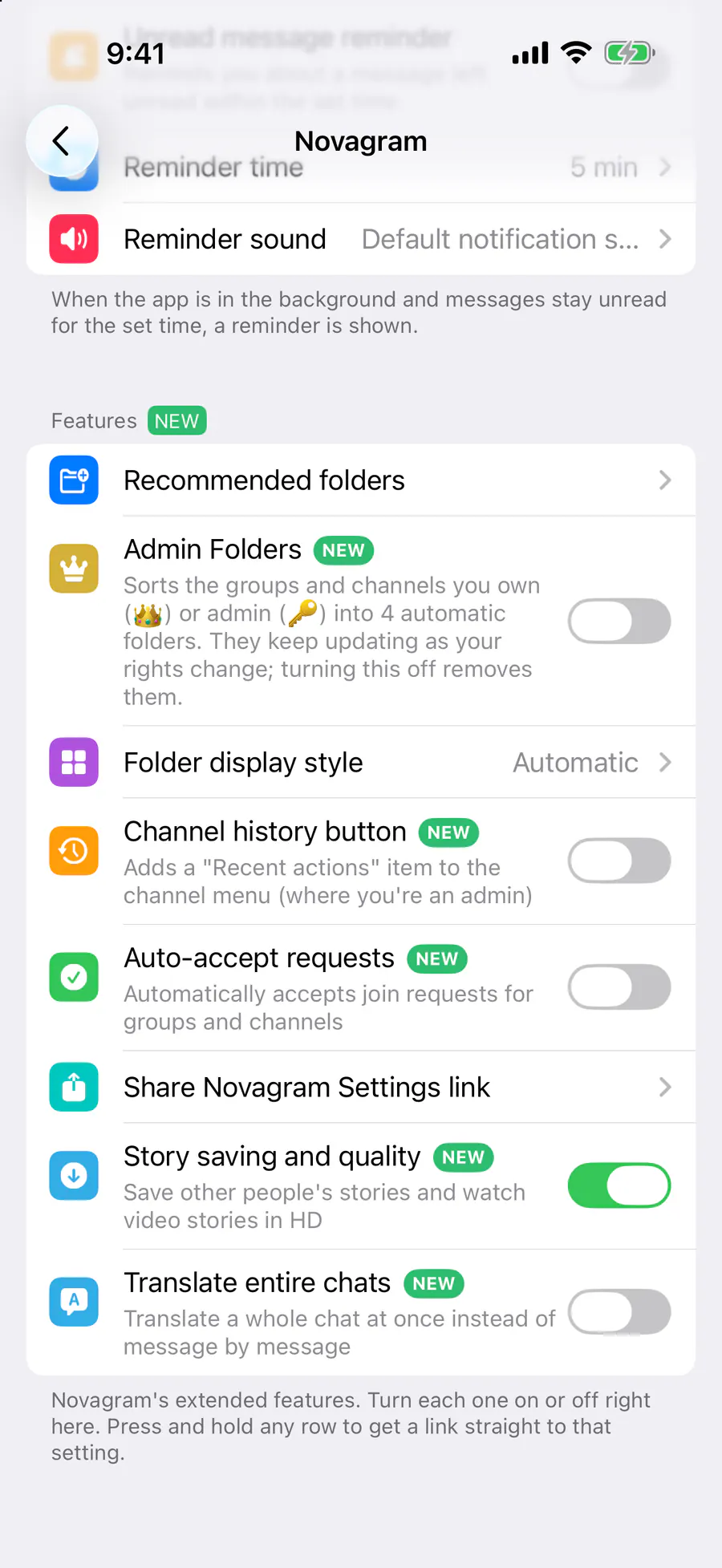
Story Saving and Quality
Keep the stories you love
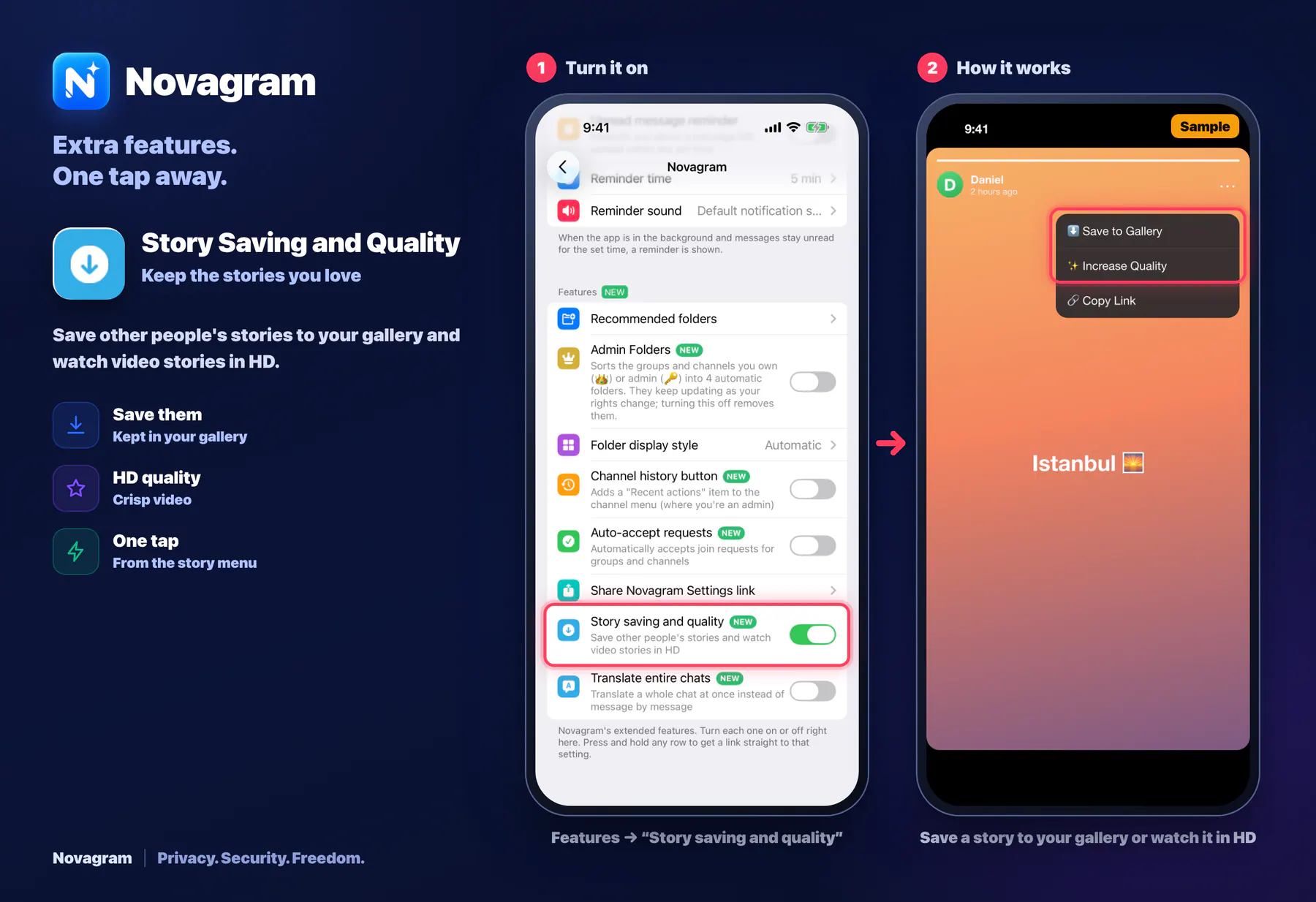
Save other people's stories to your gallery and watch video stories in HD.
Opens this setting on a phone with Novagram installed
How it looks in the app
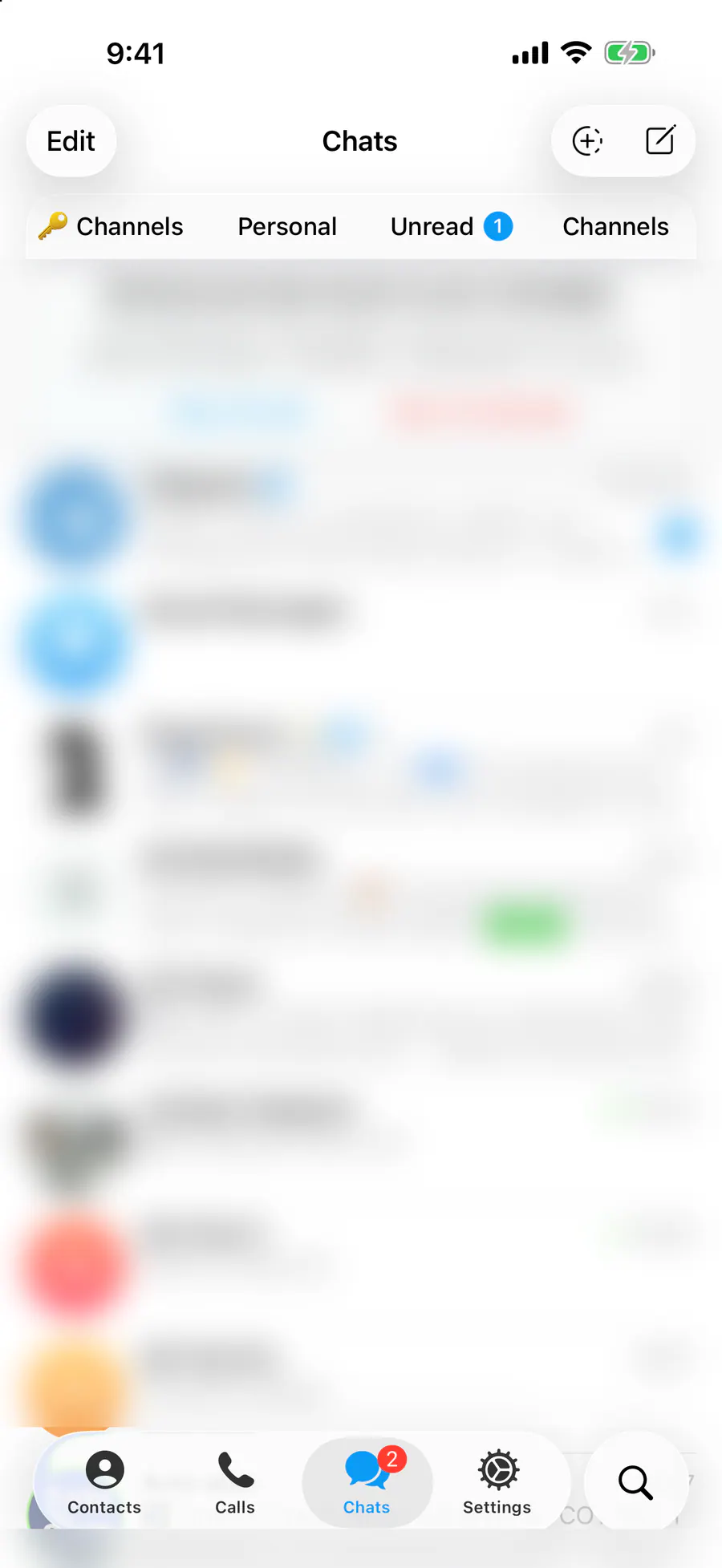
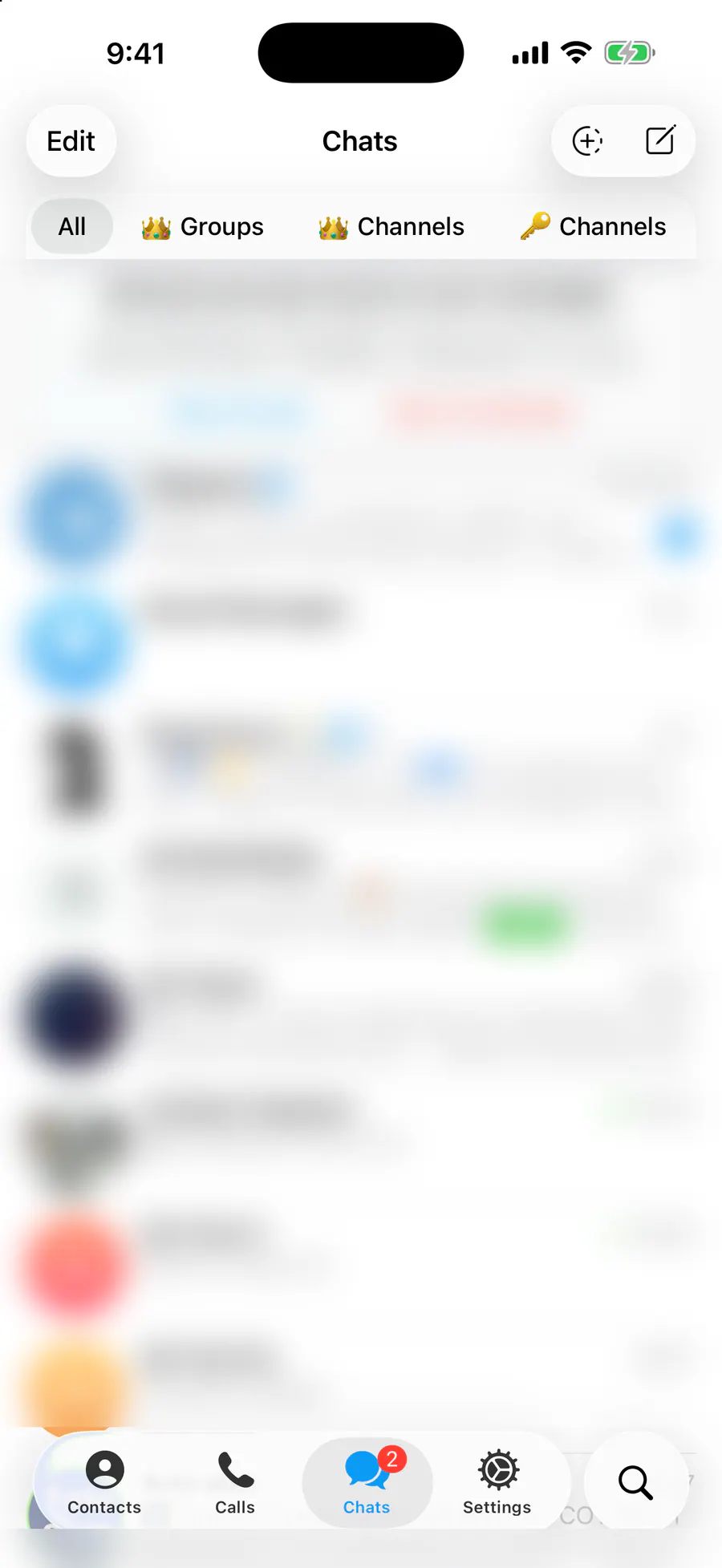
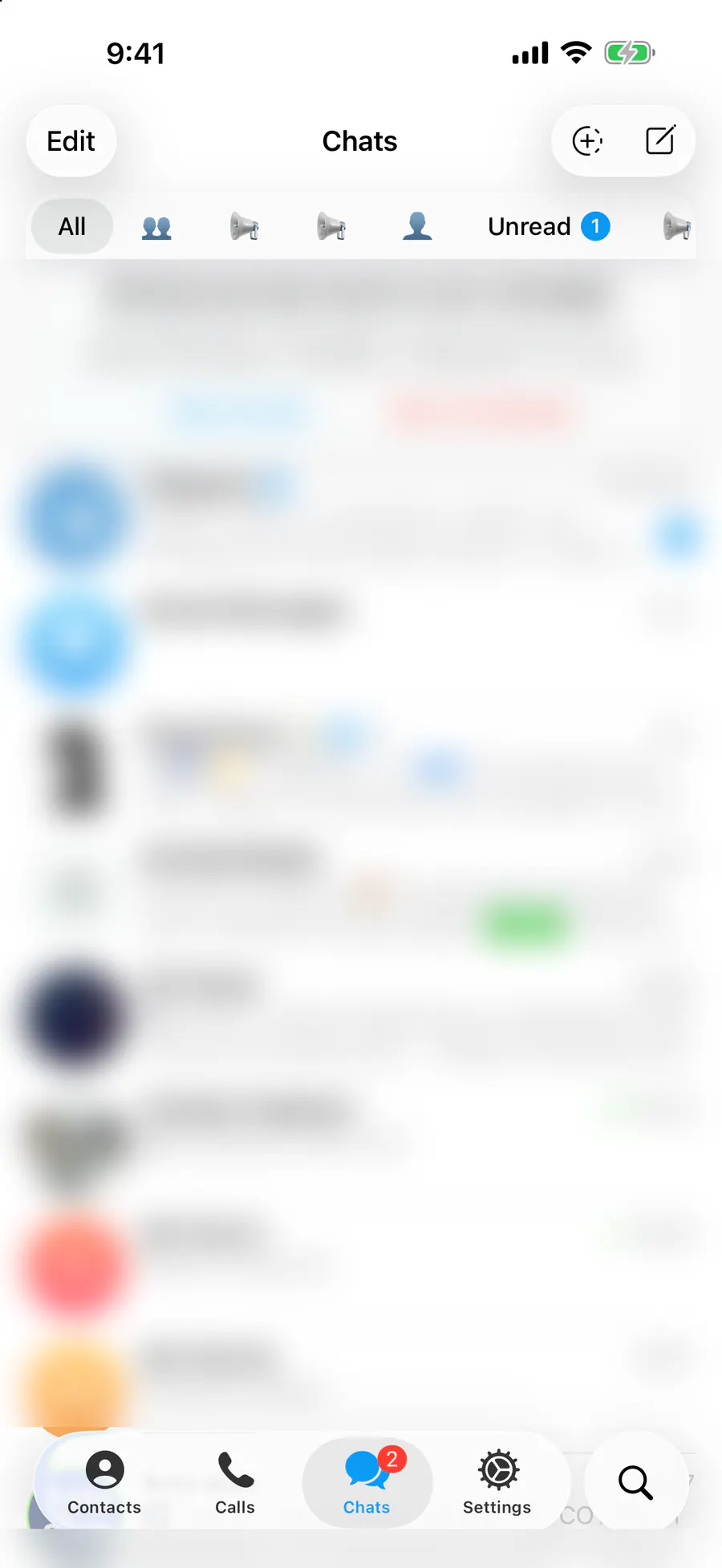
Step by step: the red frame shows where to tap.
Features → “Story saving and quality”
1 / 2
Benefits
Save them
Kept in your gallery
HD quality
Crisp video
One tap
From the story menu
How to turn it on
Tap “Settings” at the bottom of the screen.
Tap the gold “Novagram Settings” row.
In the Features section, turn on “Story saving and quality”.
Open a story, then save it or pick HD quality from the menu.
Result
The story is saved to your gallery.
Steps in screenshots
Each screenshot marks the right spot with a red frame. Tap to enlarge.
Card to share
A ready-made image to explain the feature to your friends.
WebP, 1800×1234Download the card