Features
Auto-Accept Requests
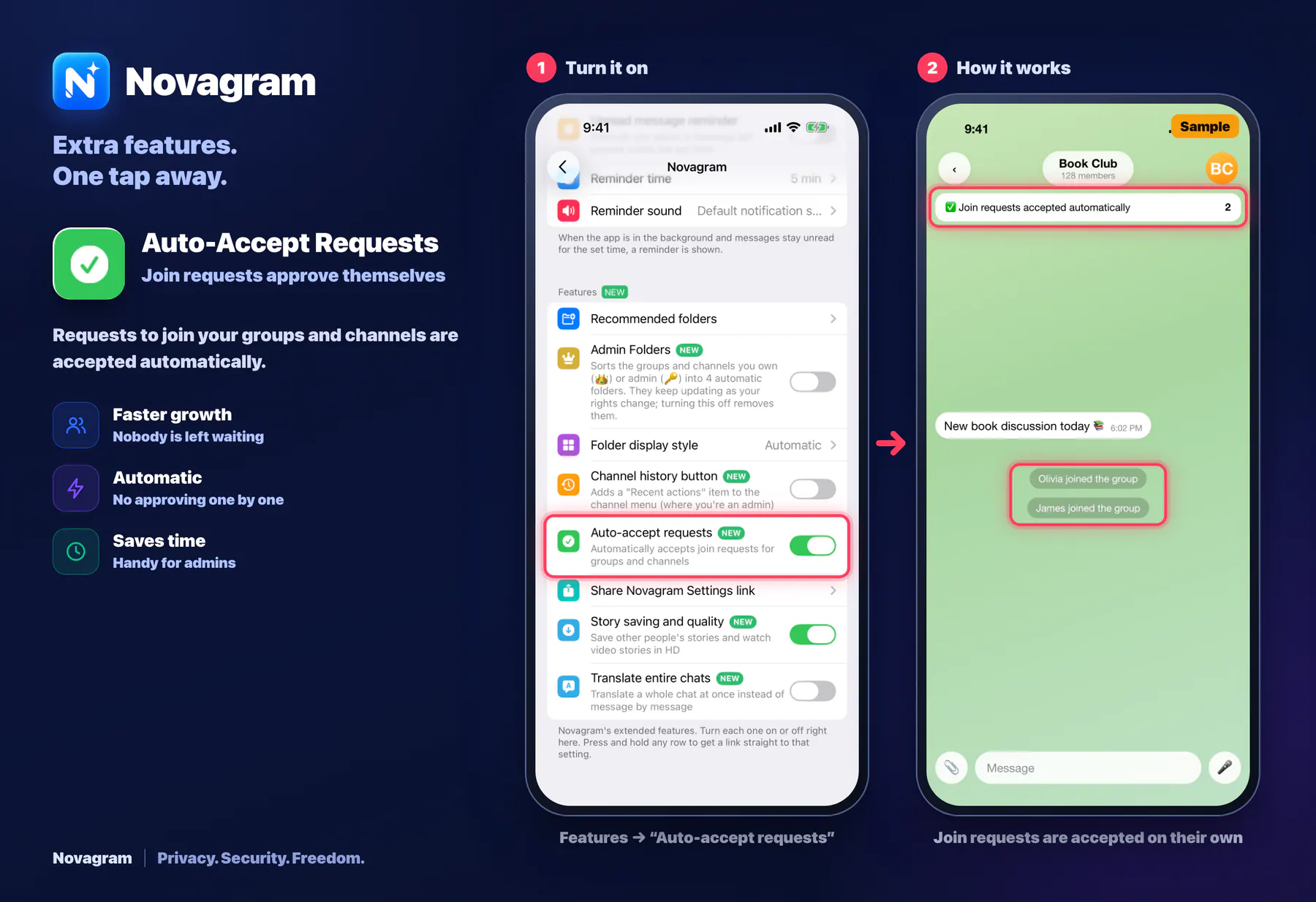
Join requests approve themselves
Requests to join your groups and channels are accepted automatically.
Opens this setting on a phone with Novagram installed
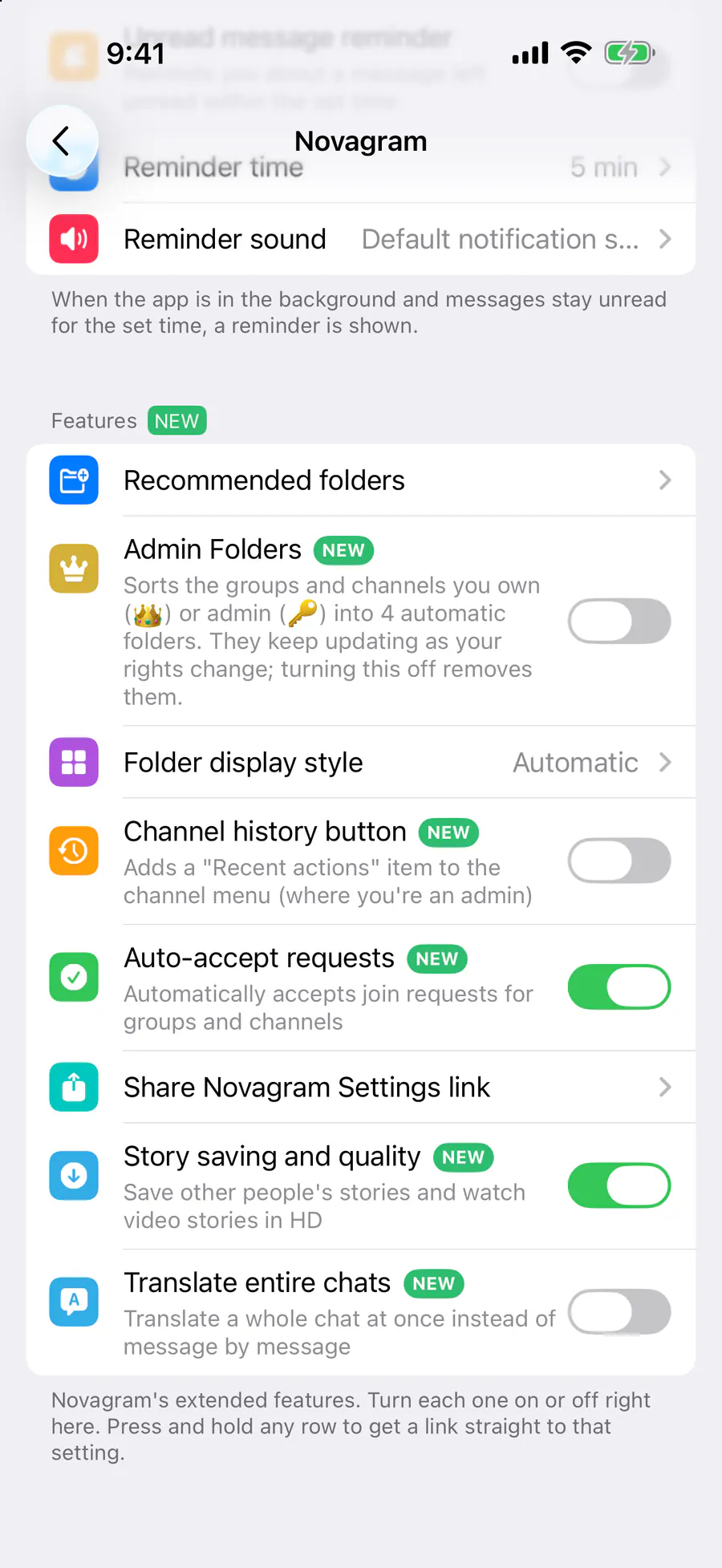
How it looks in the app
Step by step: the red frame shows where to tap.
Features → “Auto-accept requests”
1 / 2
Benefits
Faster growth
Nobody is left waiting
Automatic
No approving one by one
Saves time
Handy for admins
How to turn it on
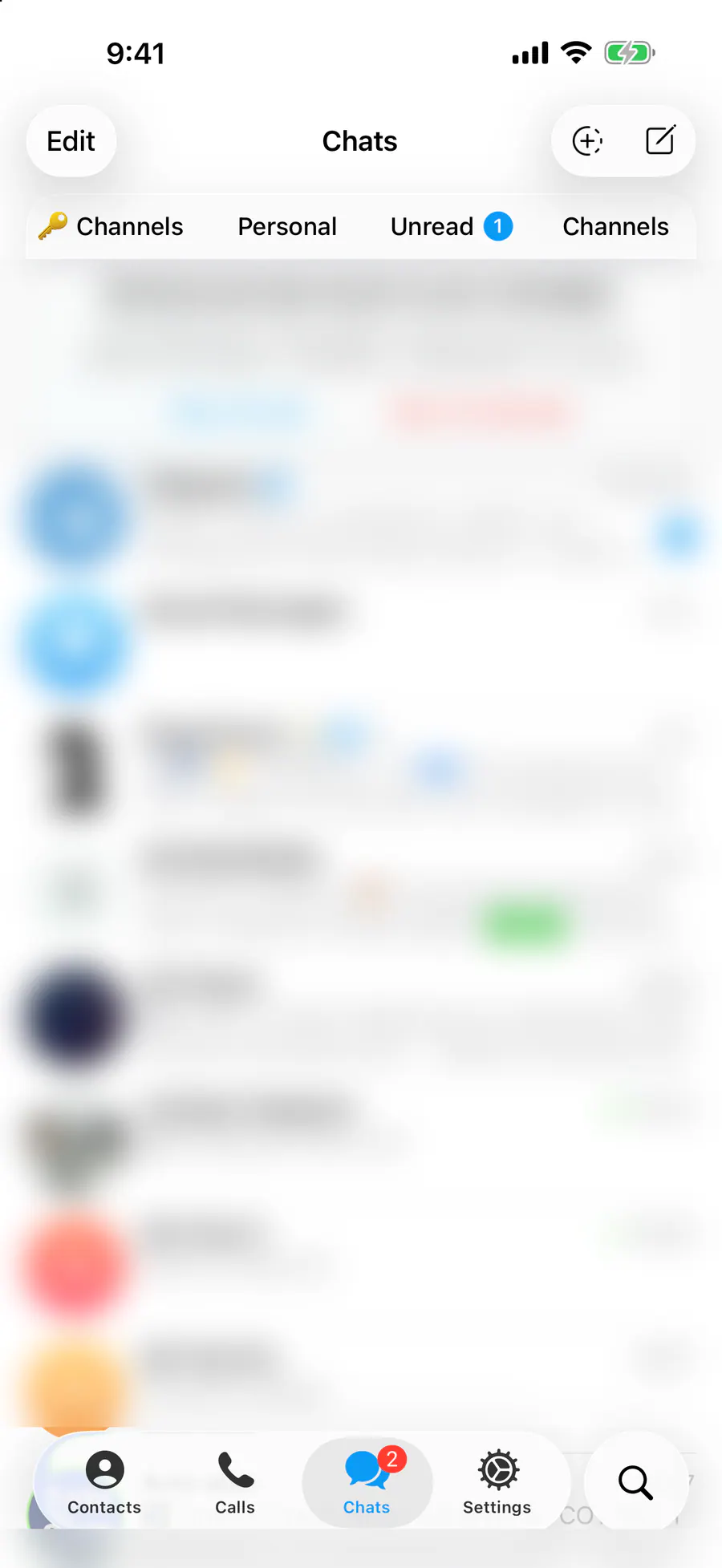
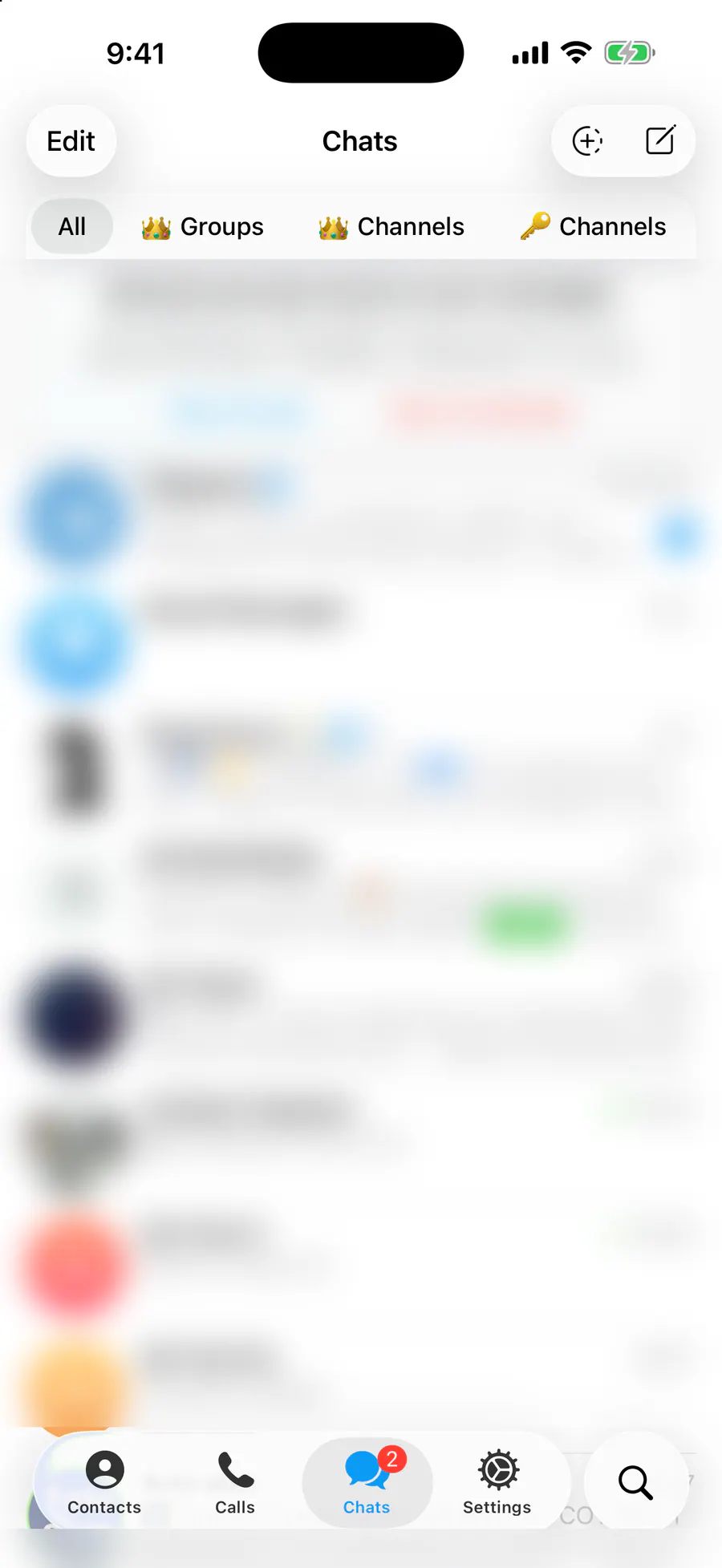
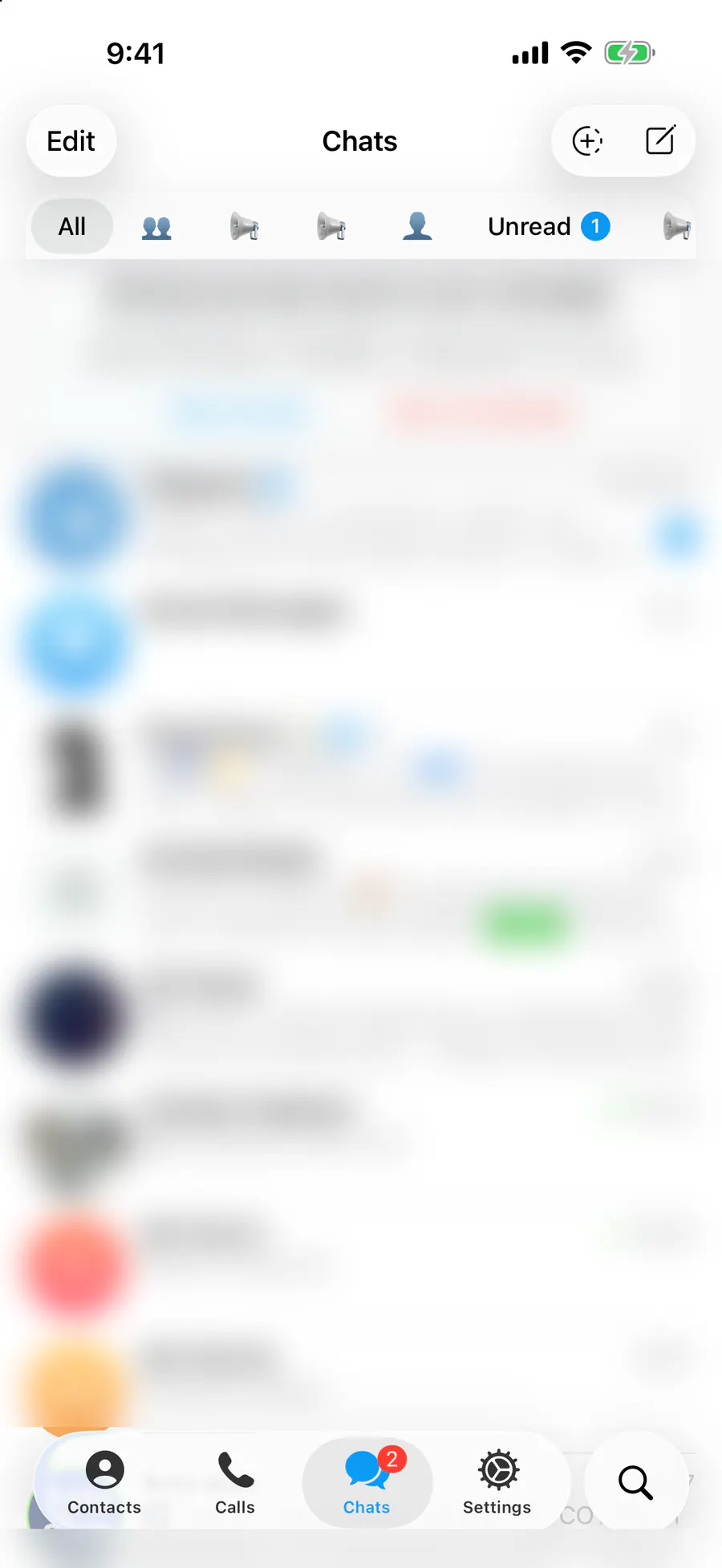
Tap “Settings” at the bottom of the screen.
Tap the gold “Novagram Settings” row.
In the Features section, turn on “Auto-accept requests”.
Result
New requests are accepted on their own.
Steps in screenshots
Each screenshot marks the right spot with a red frame. Tap to enlarge.
Card to share
A ready-made image to explain the feature to your friends.
WebP, 1800×1234Download the card