Interface
Mutual Contact Badge
See who saved you back
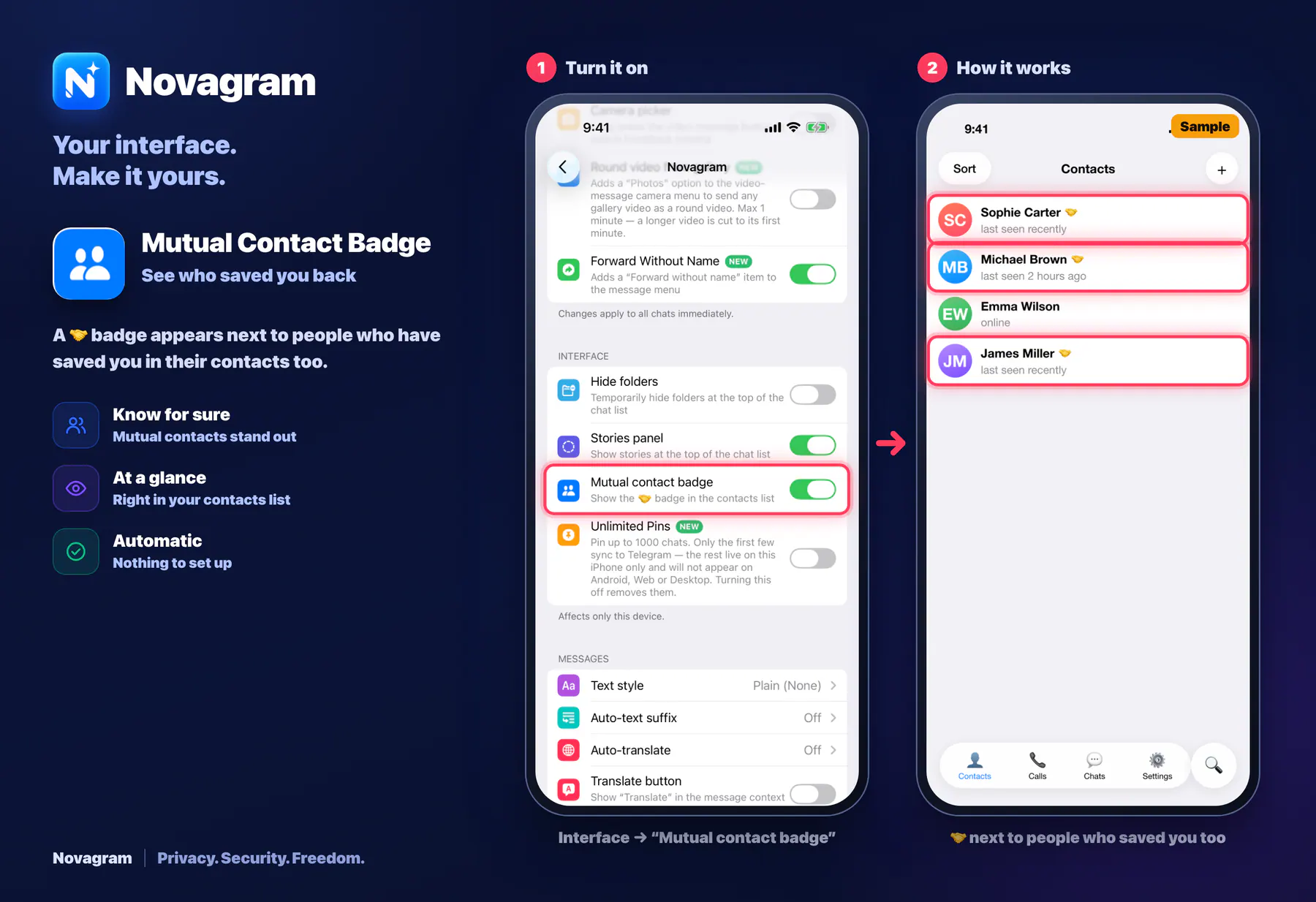
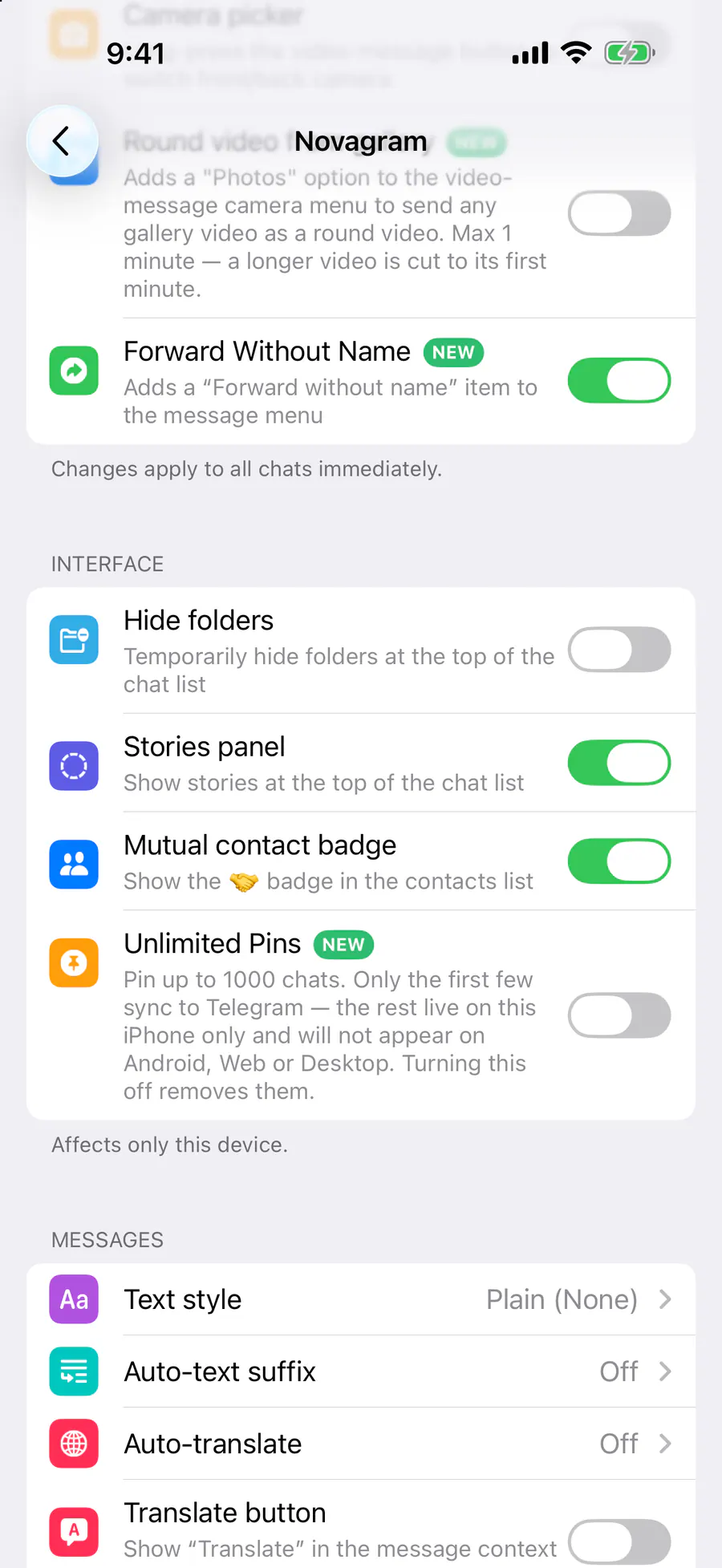
A 🤝 badge appears next to people who have saved you in their contacts too.
Opens this setting on a phone with Novagram installed
How it looks in the app
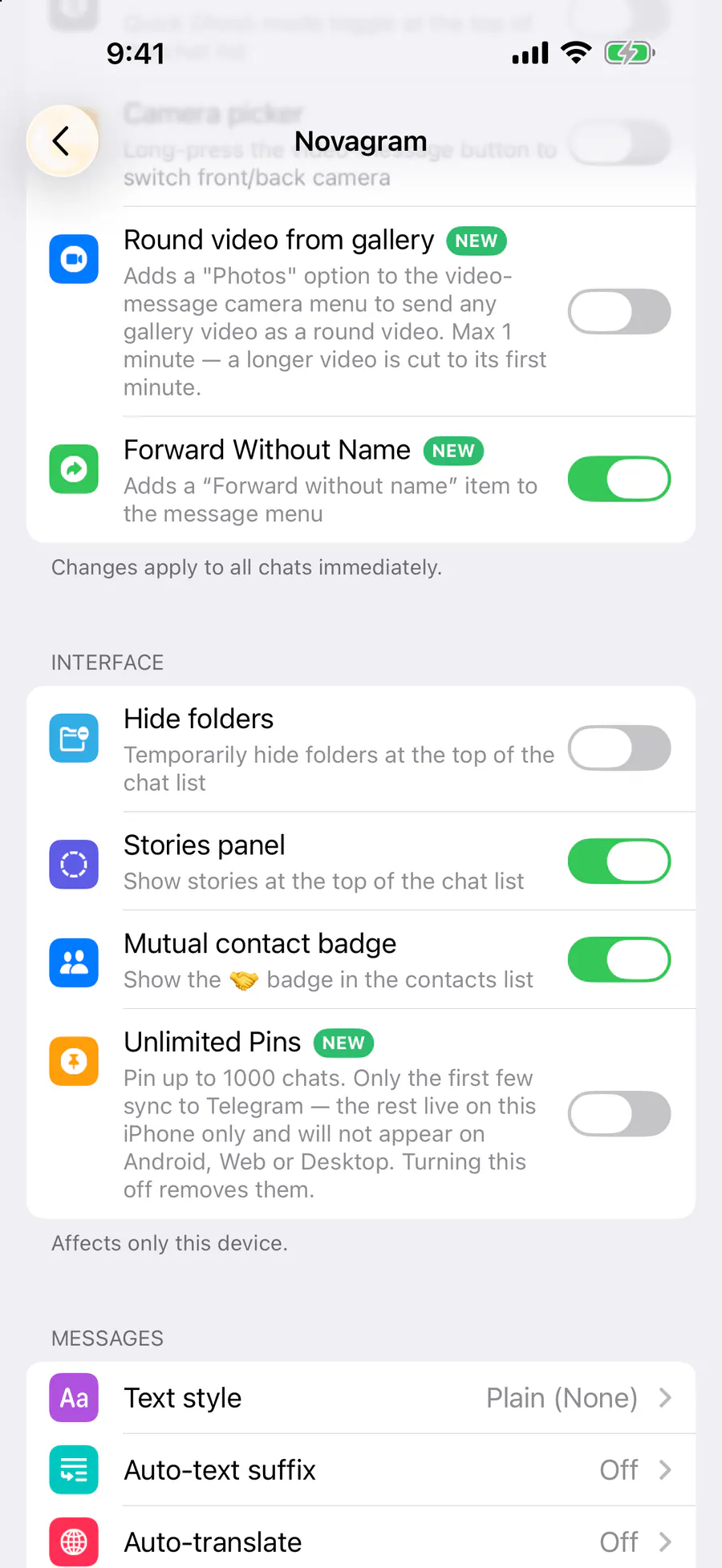
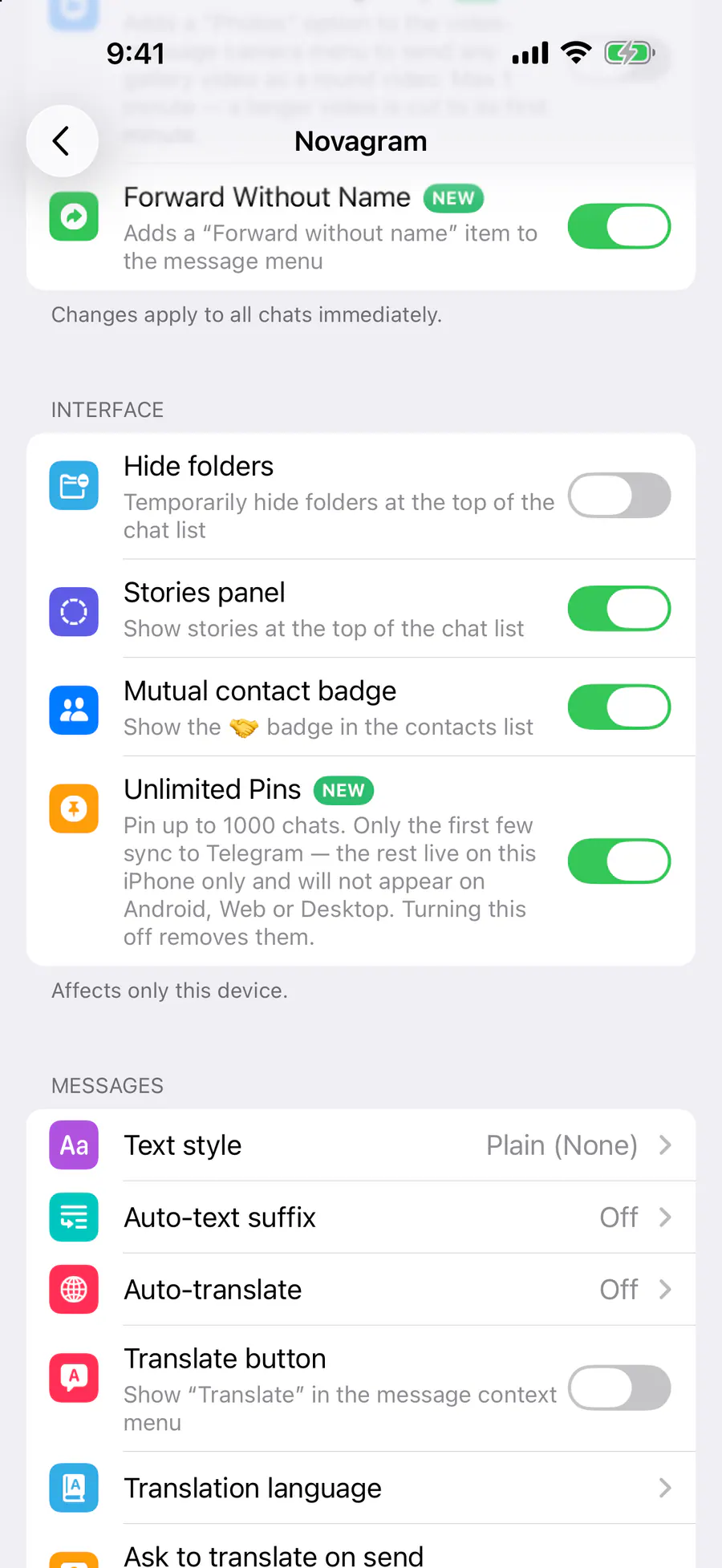
Step by step: the red frame shows where to tap.
Interface → “Mutual contact badge”
1 / 2
Benefits
Know for sure
Mutual contacts stand out
At a glance
Right in your contacts list
Automatic
Nothing to set up
How to turn it on
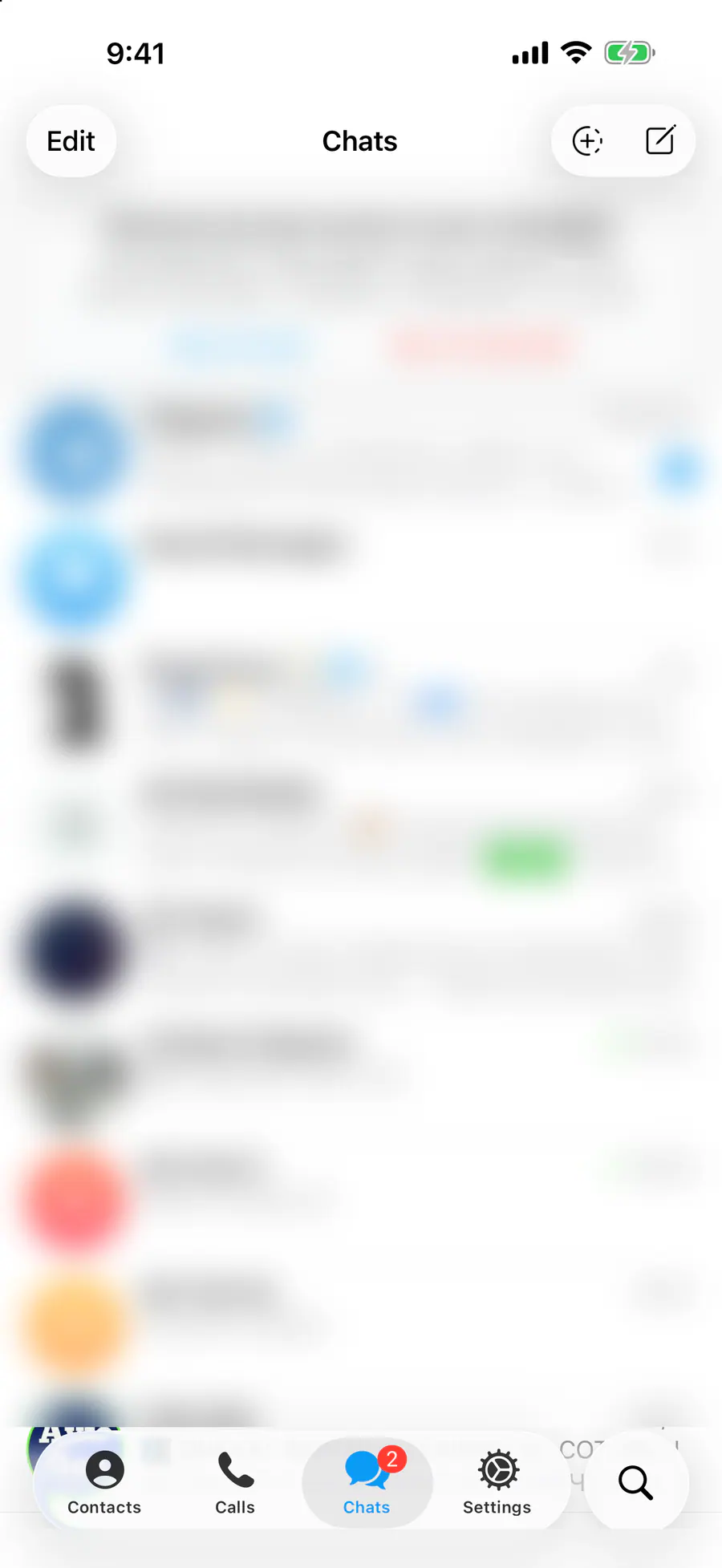
Tap “Settings” at the bottom of the screen.
Tap the gold “Novagram Settings” row.
In the Interface section, make sure “Mutual contact badge” is on.
Open “Contacts”.
Result
Mutual contacts have 🤝 next to their names.
Steps in screenshots
Each screenshot marks the right spot with a red frame. Tap to enlarge.
Card to share
A ready-made image to explain the feature to your friends.
WebP, 1800×1234Download the card